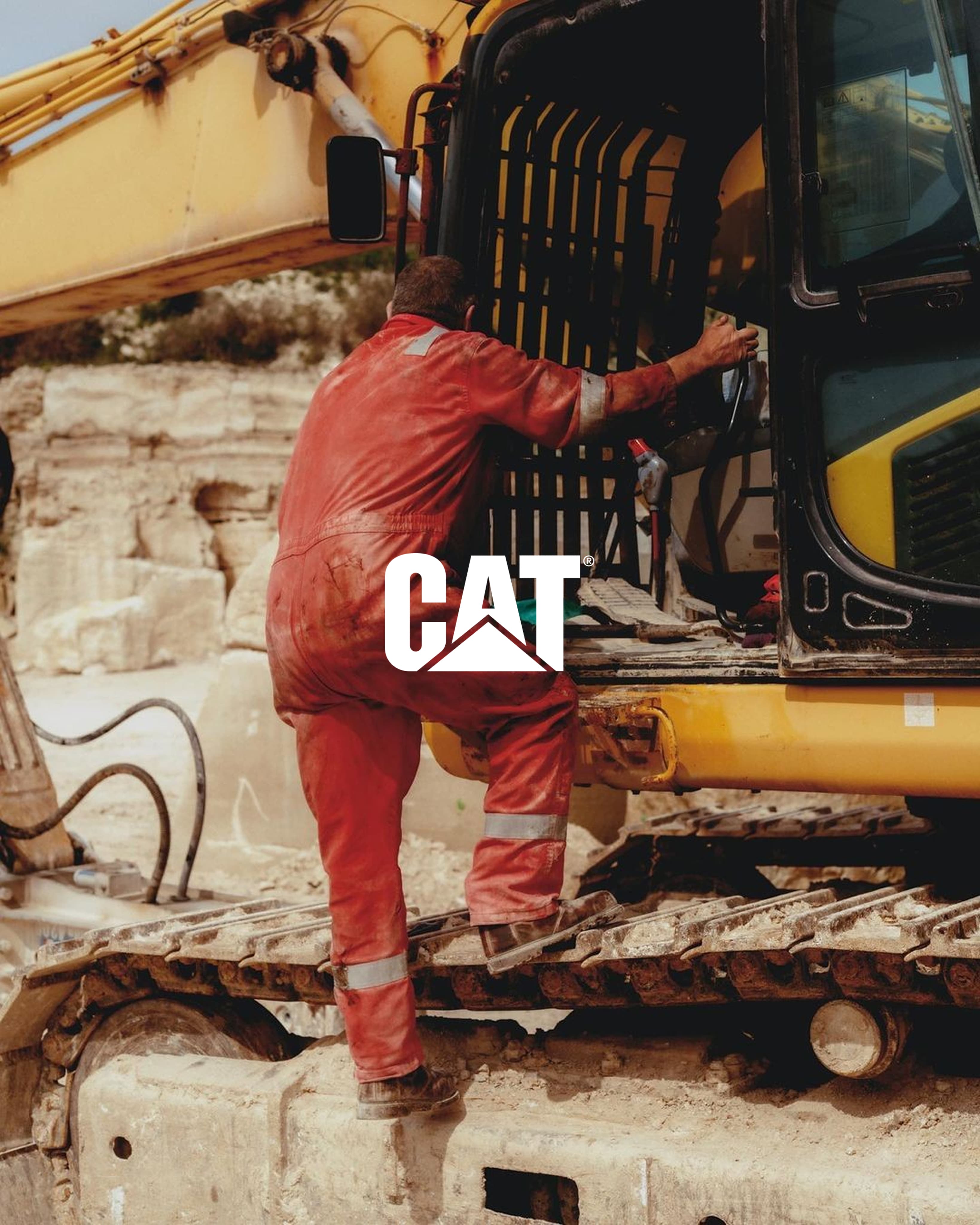
Basic CPM Redesign for Wheel Loader & Excavator
Timeline
20 weeks
Role
Product Designer
Team
Tuguldur Enkhsaruul
Jessica King
Madelyn Rhodes
Juliana Piotrowski
Cornelious Williams
Tools
Figma
Cursor
FigJam
Microsoft PowerPoint
The Challenge
Caterpillar's CPM payload interface overwhelms operators with dense, undifferentiated information during active truck loading, a problem intensified by the shift to a smaller portrait display; we address this through progressive disclosure, glanceable information hierarchy, and reduced cognitive demand.
Problem Statement
The existing interface requires operators to interpret and browse at crucial periods, which increases the problem as the display grows smaller. Operators must quickly verify the loading status and respond quickly.
Goal
By emphasizing important information, making commonly used functions more accessible, and developing a more user-friendly and uniform interface across machine types, this redesign aims to lessen operator cognitive burden. Clearer hierarchy, simpler navigation, and multimodal input that reduces reliance on visual attention alone should all help the system facilitate quicker decision-making.
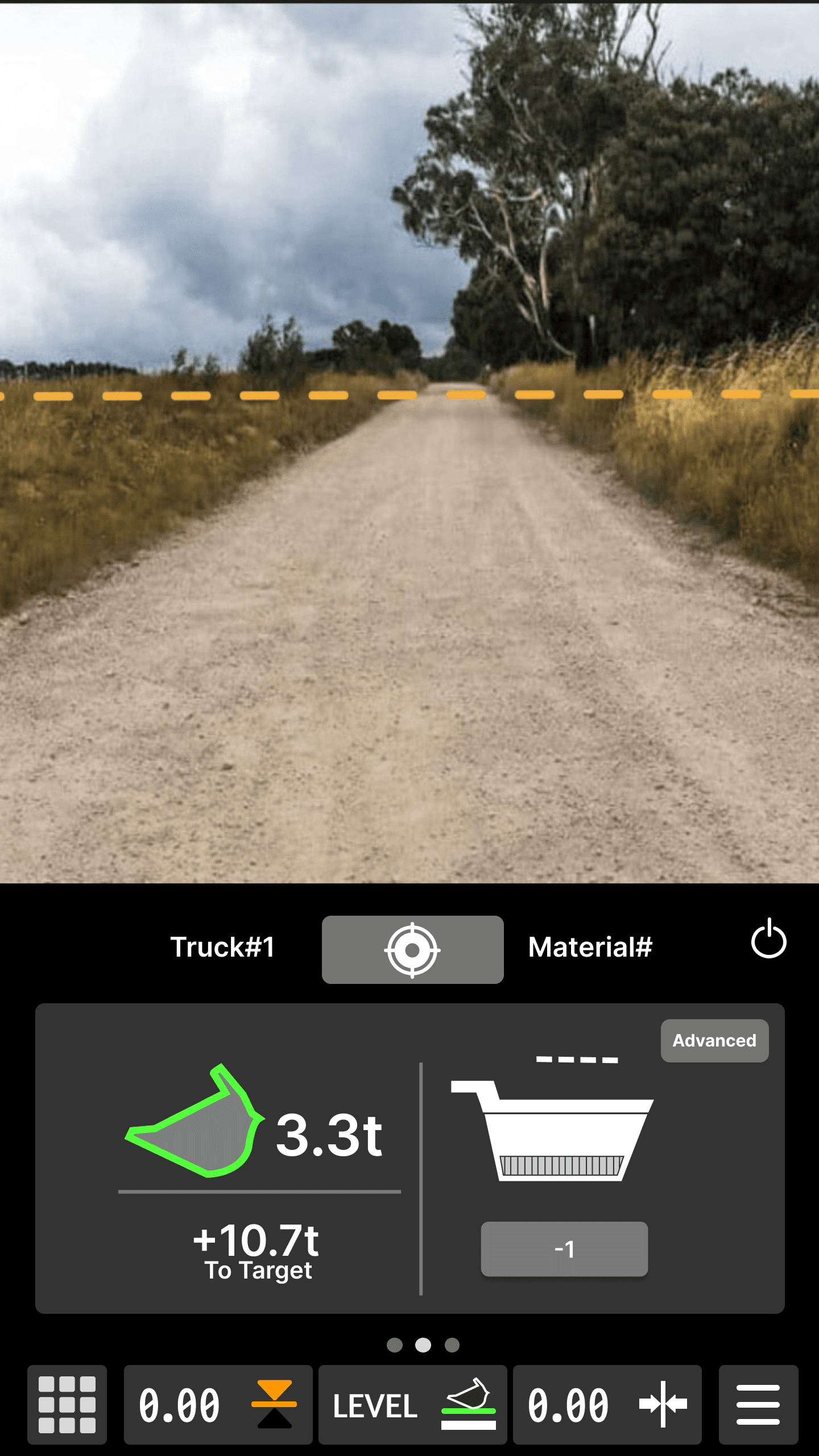
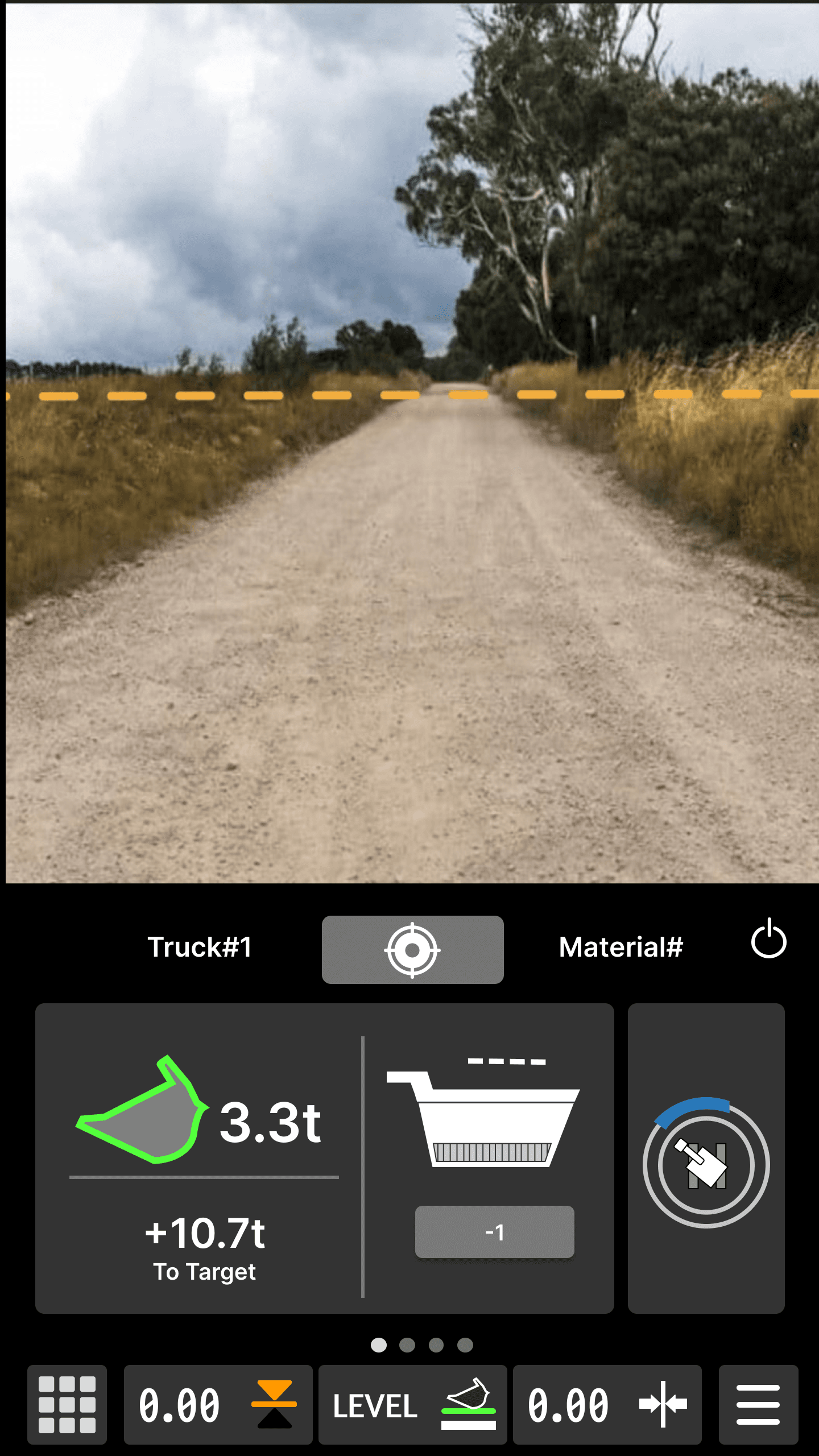
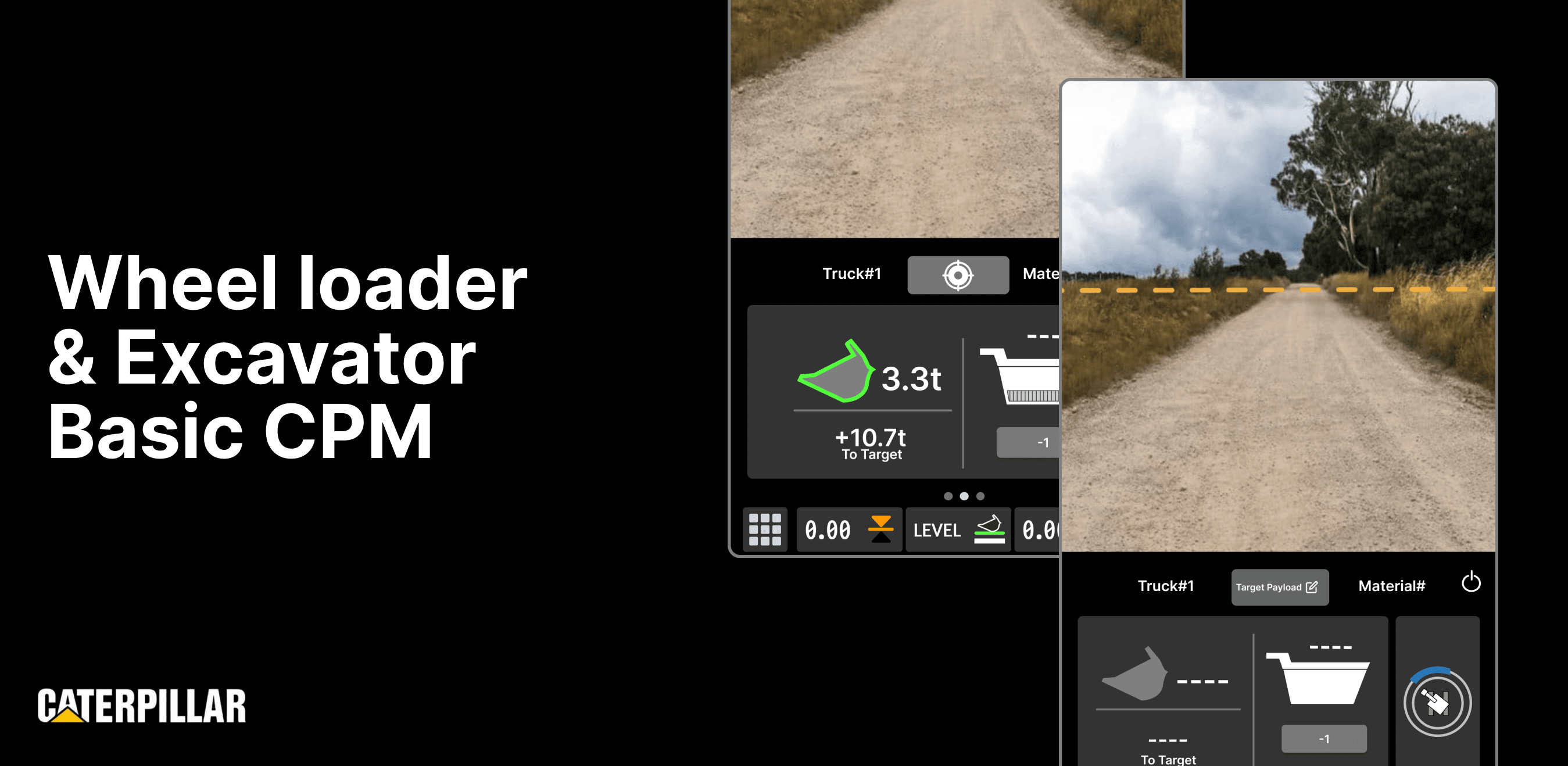
wheel loader & excavator cpm screens
Intro
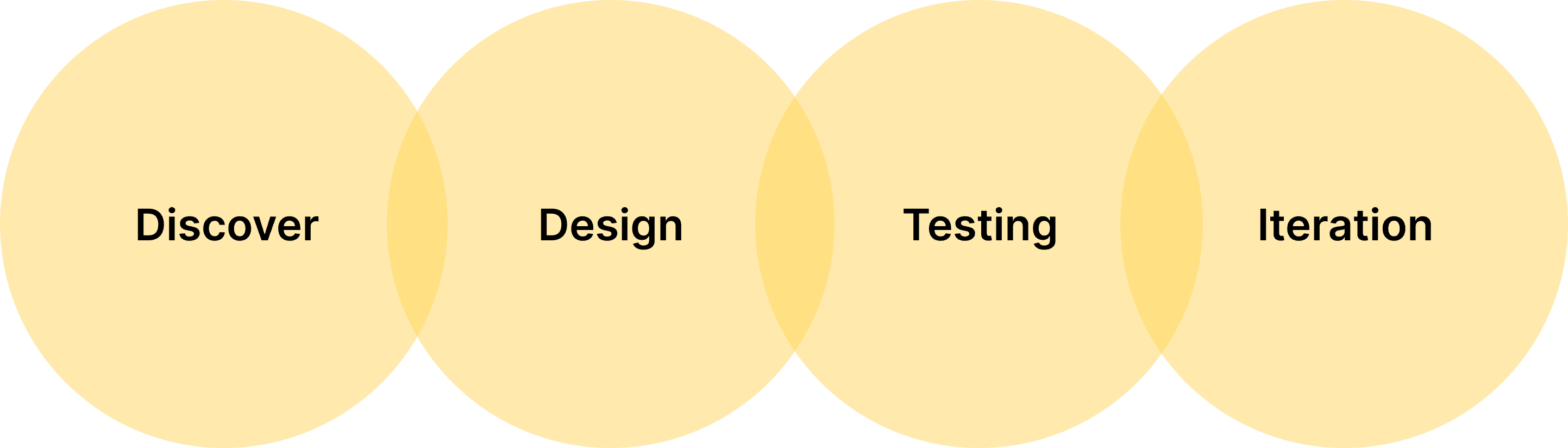
Design Process
Key Feature #1
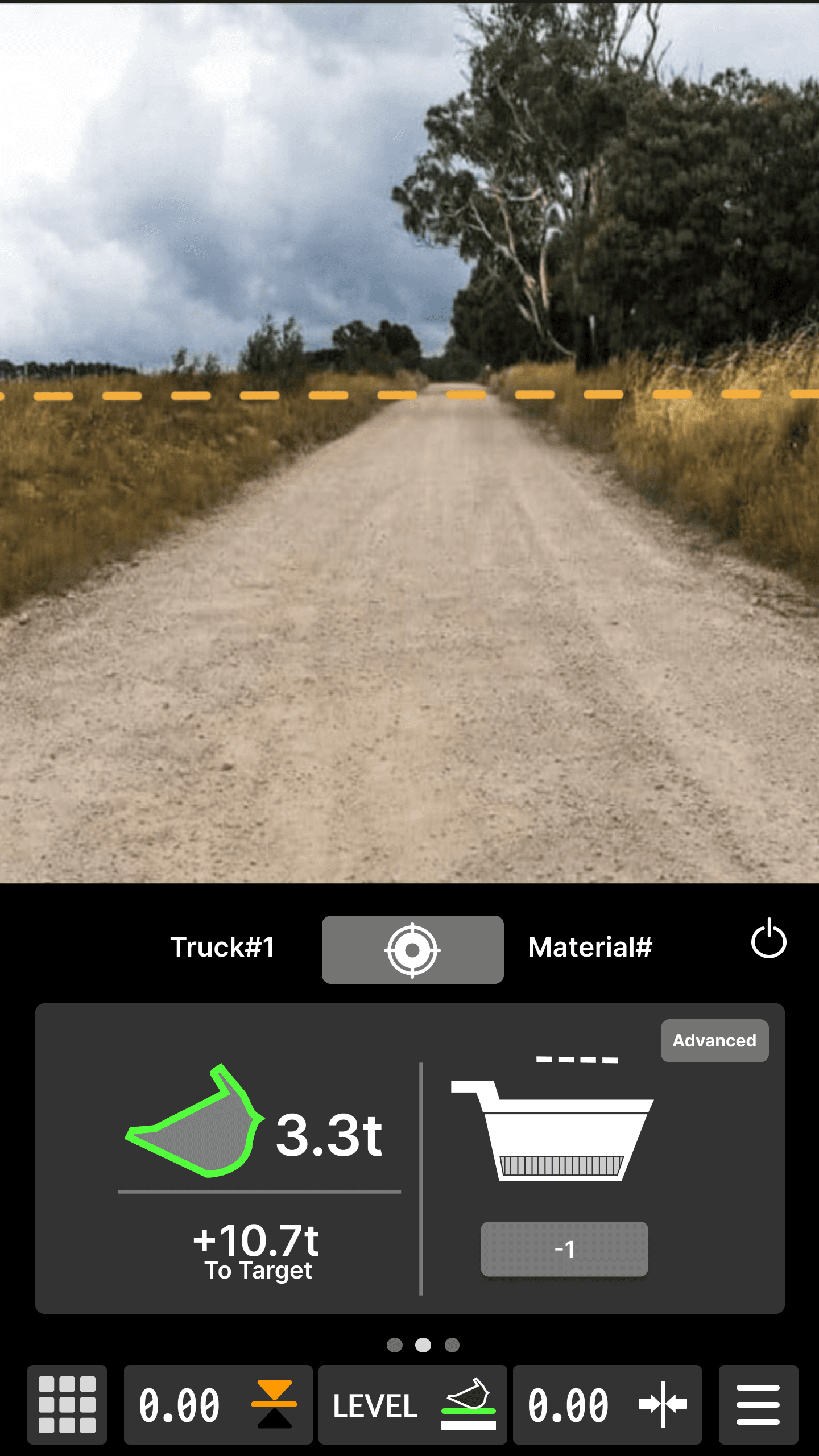
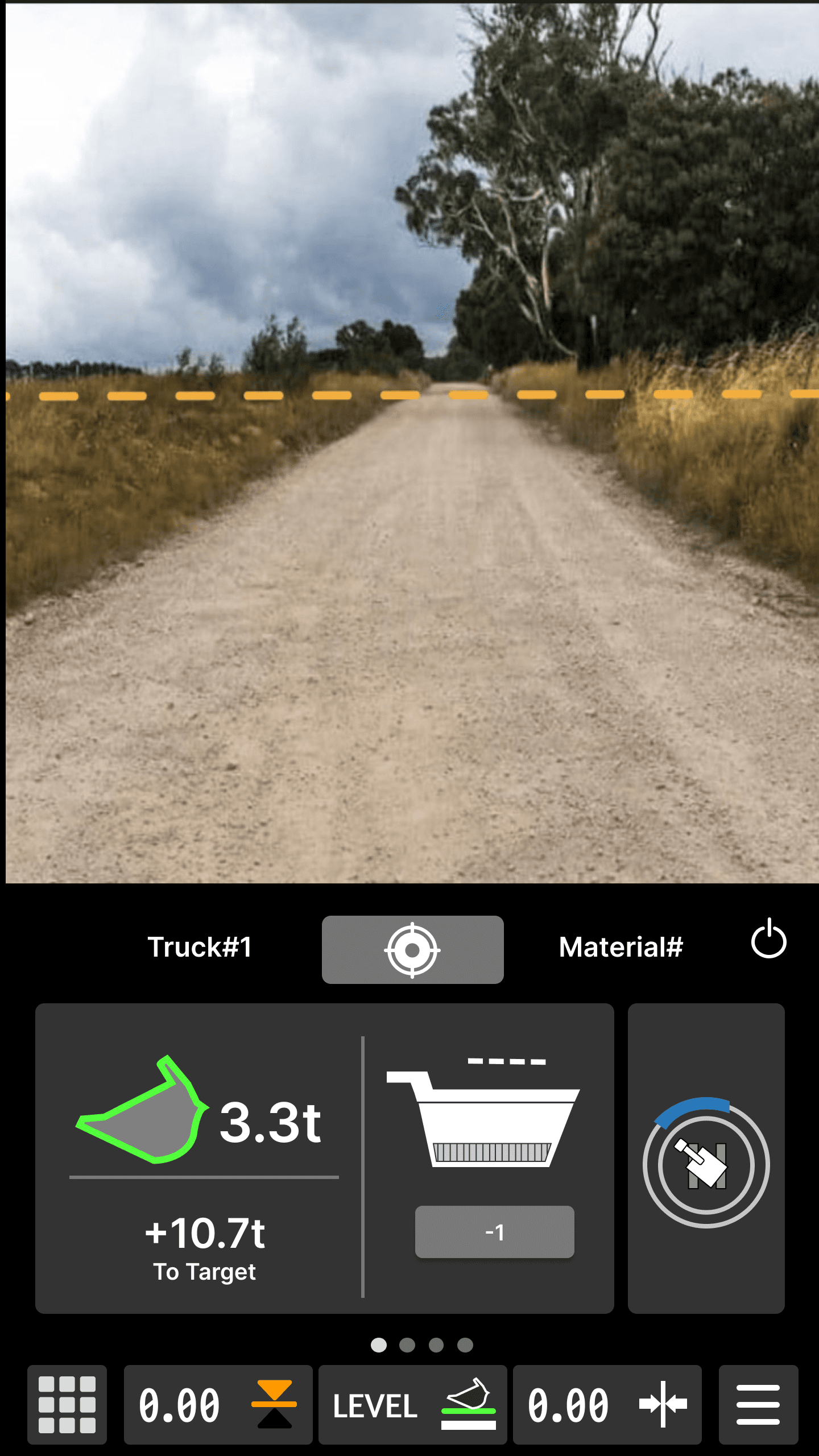
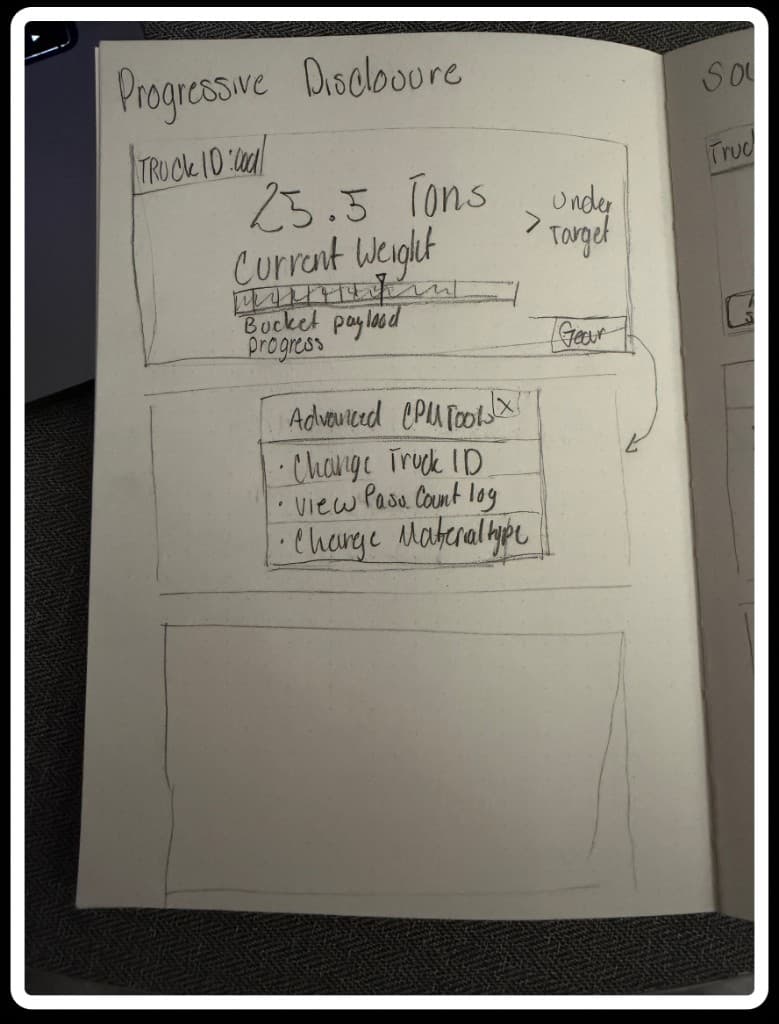
Progressive Disclosure
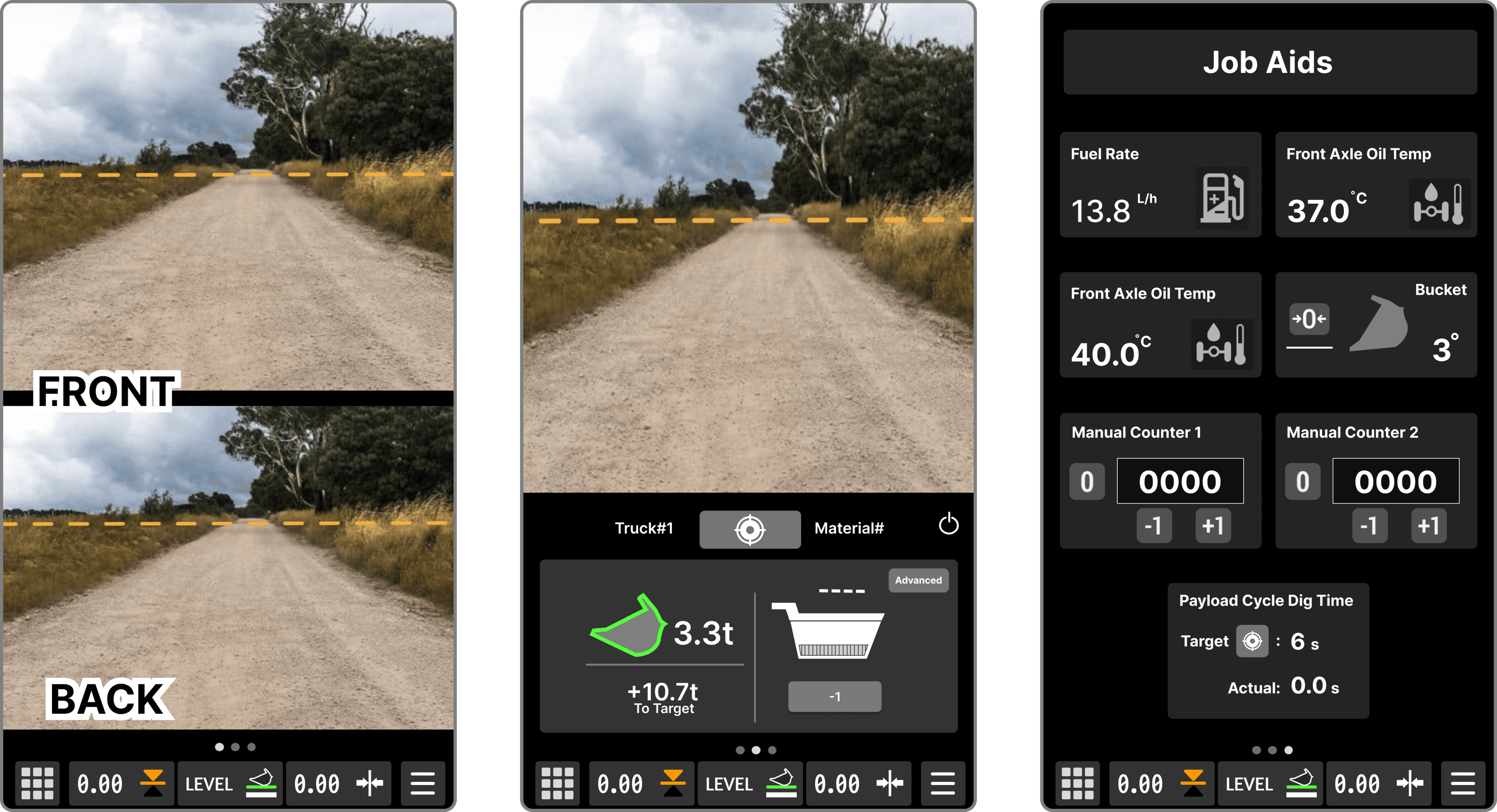
Advanced CPM tools and secondary controls are hidden until needed, reducing cognitive overload during active loading.
Show the operators what's important
Advanced settings and tools stay hidden
Key Feature #2
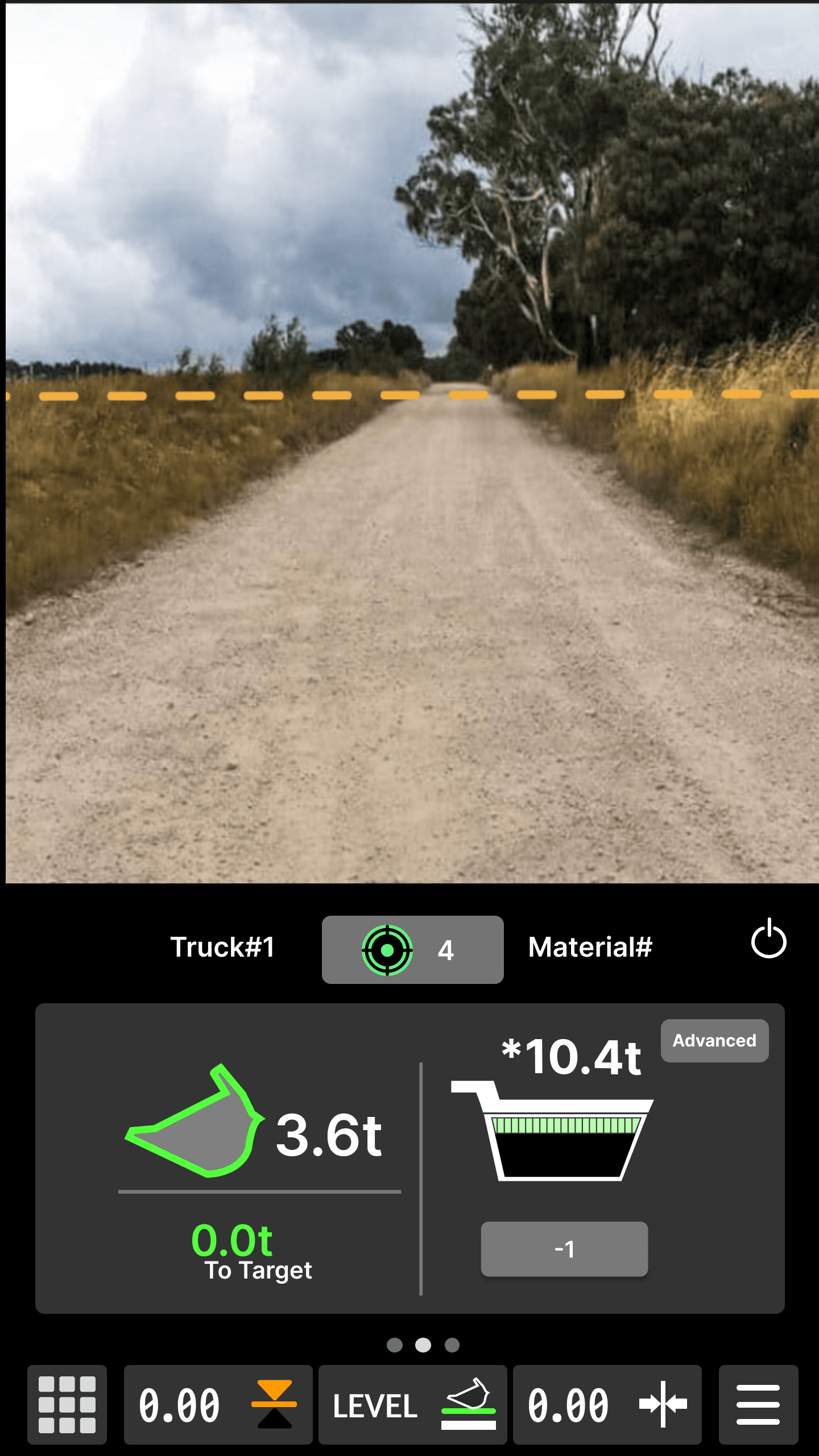
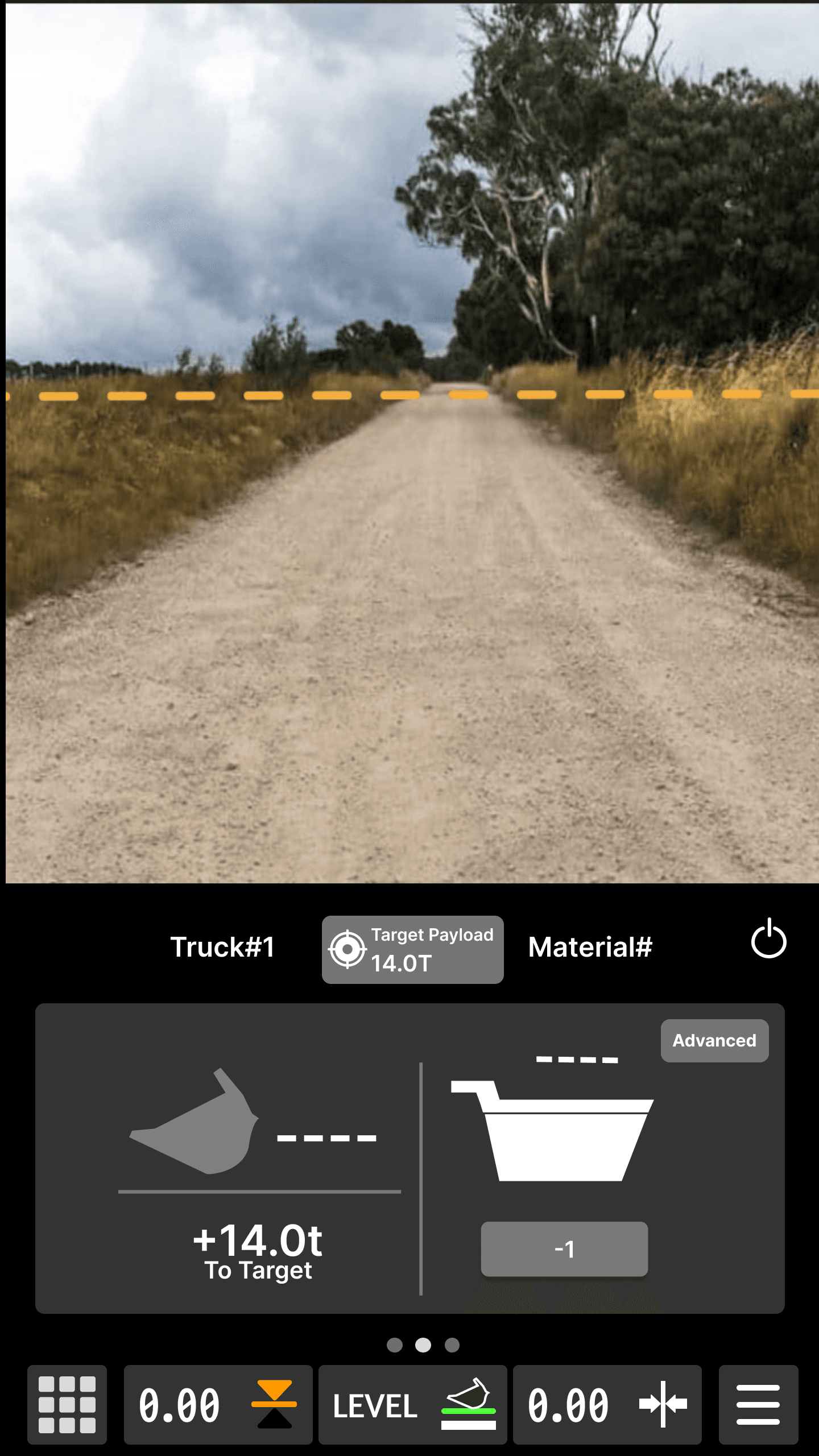
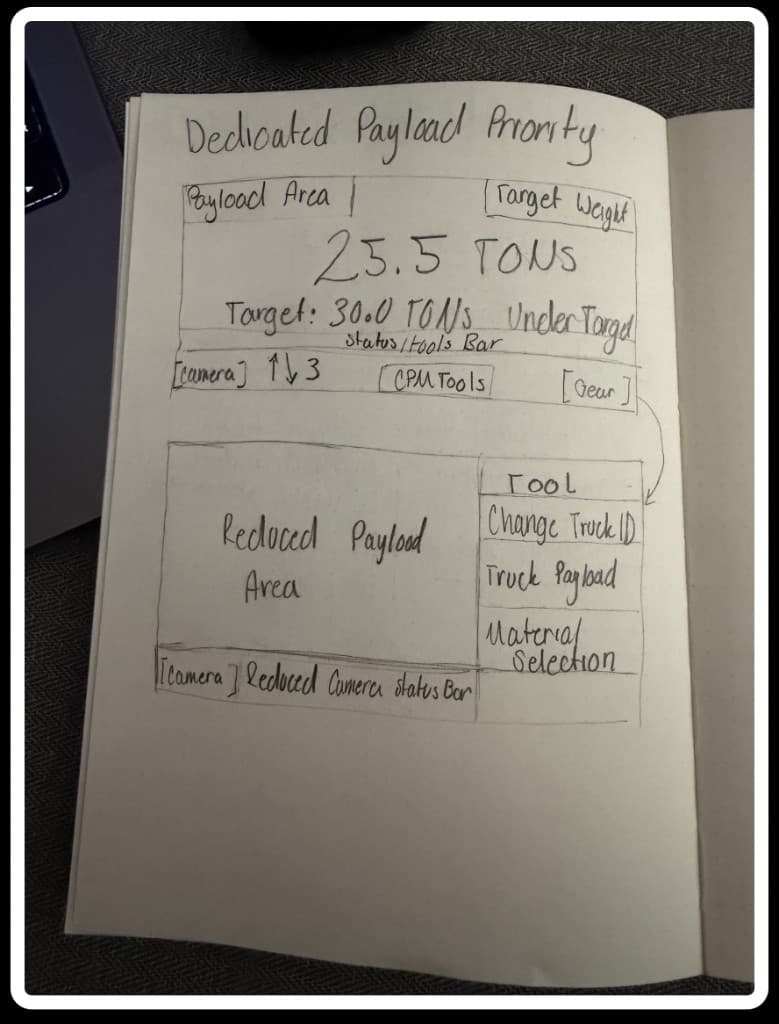
Glanceable Information
Critical payload information is prioritized front and center so operators can confirm status within seconds with out mental math
Critical Information like truck weight, bucket weight, & target
Helps operators not do mental math
Speeds up loading and unloading
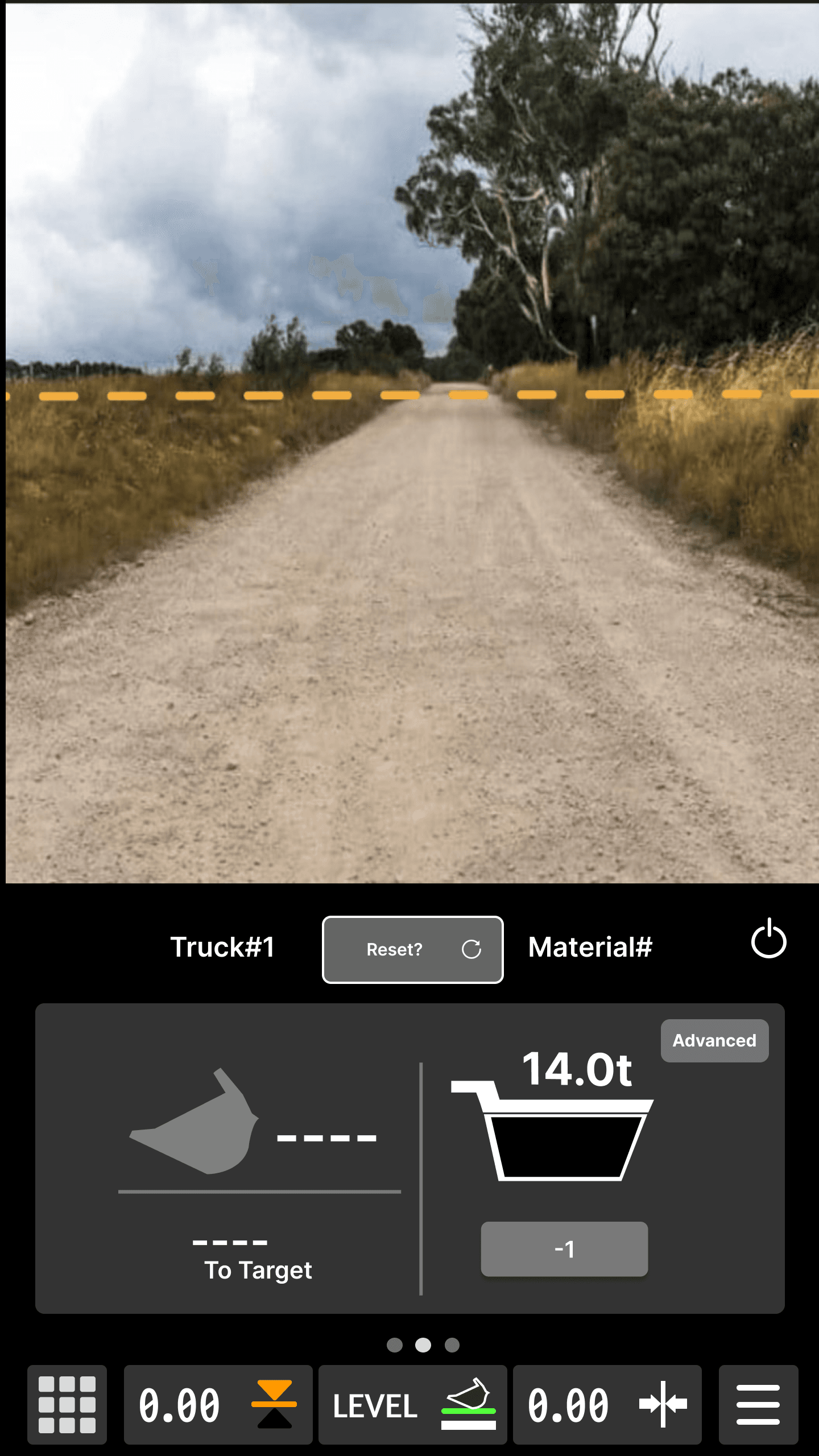
Key Feature #3
Cross-Machine Consistency
Layouts, controls, and iconography were standardized across wheel loaders and excavators to reduce relearning friction
Standardizing layouts, controls & iconography
No need to relearn different systems across vehicles
Reduces cognitive load
Reduces training friction







01
Design Process
DISCOVER THE PROBLEM
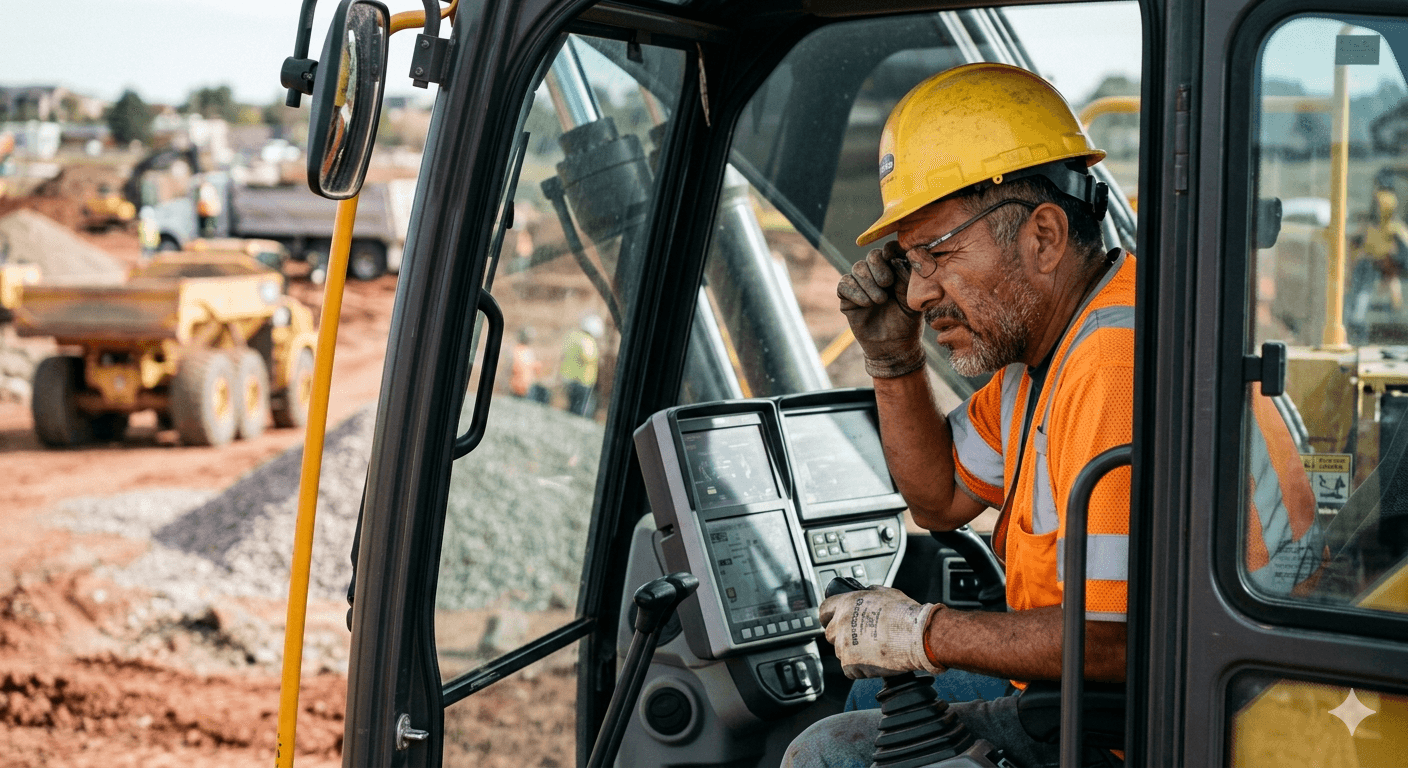
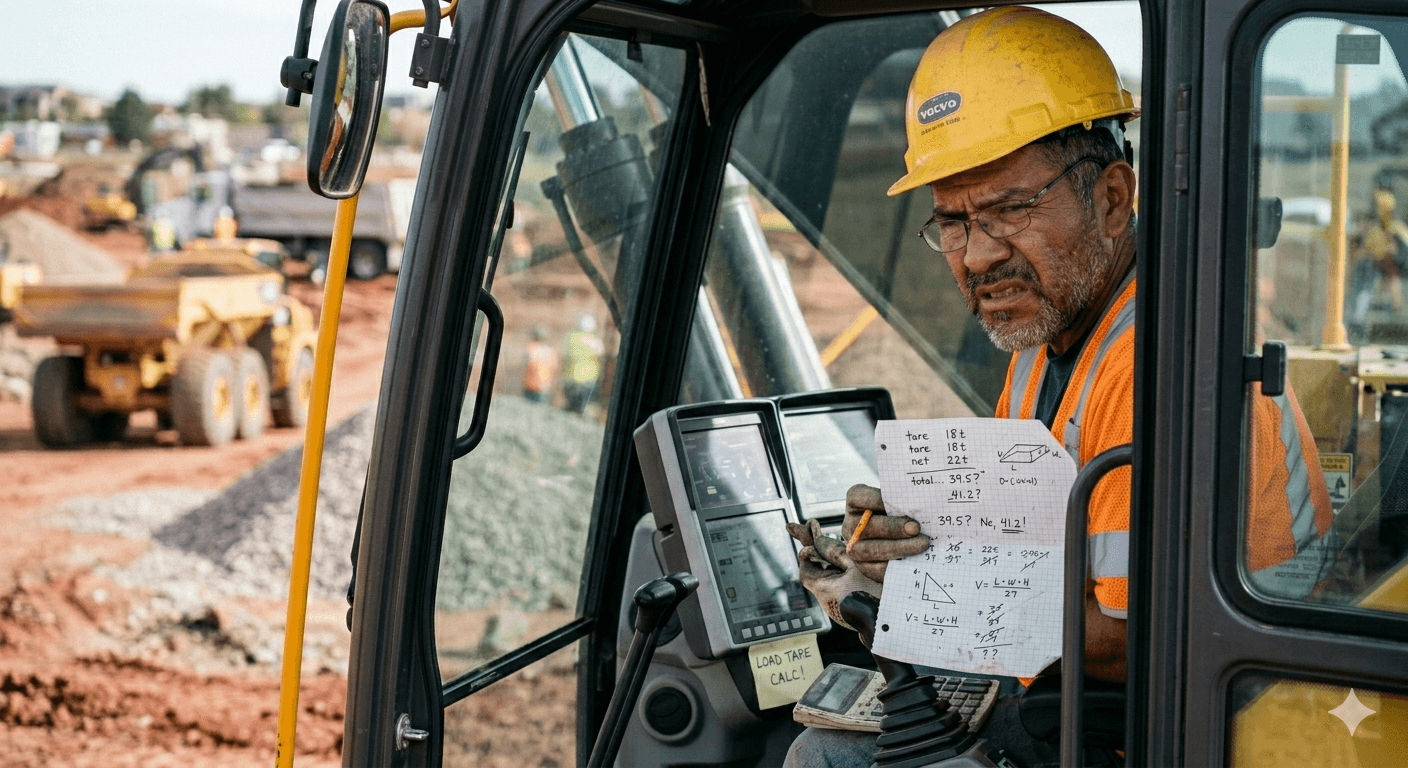
Operators Are Experiencing Overload
Operators are forced to process too much information at once during active loading. Critical payload data competes with secondary controls, settings, and system information, making it harder to quickly identify what actually matters in the moment.
DISCOVER THE PROBLEM
What We Learned From Operators
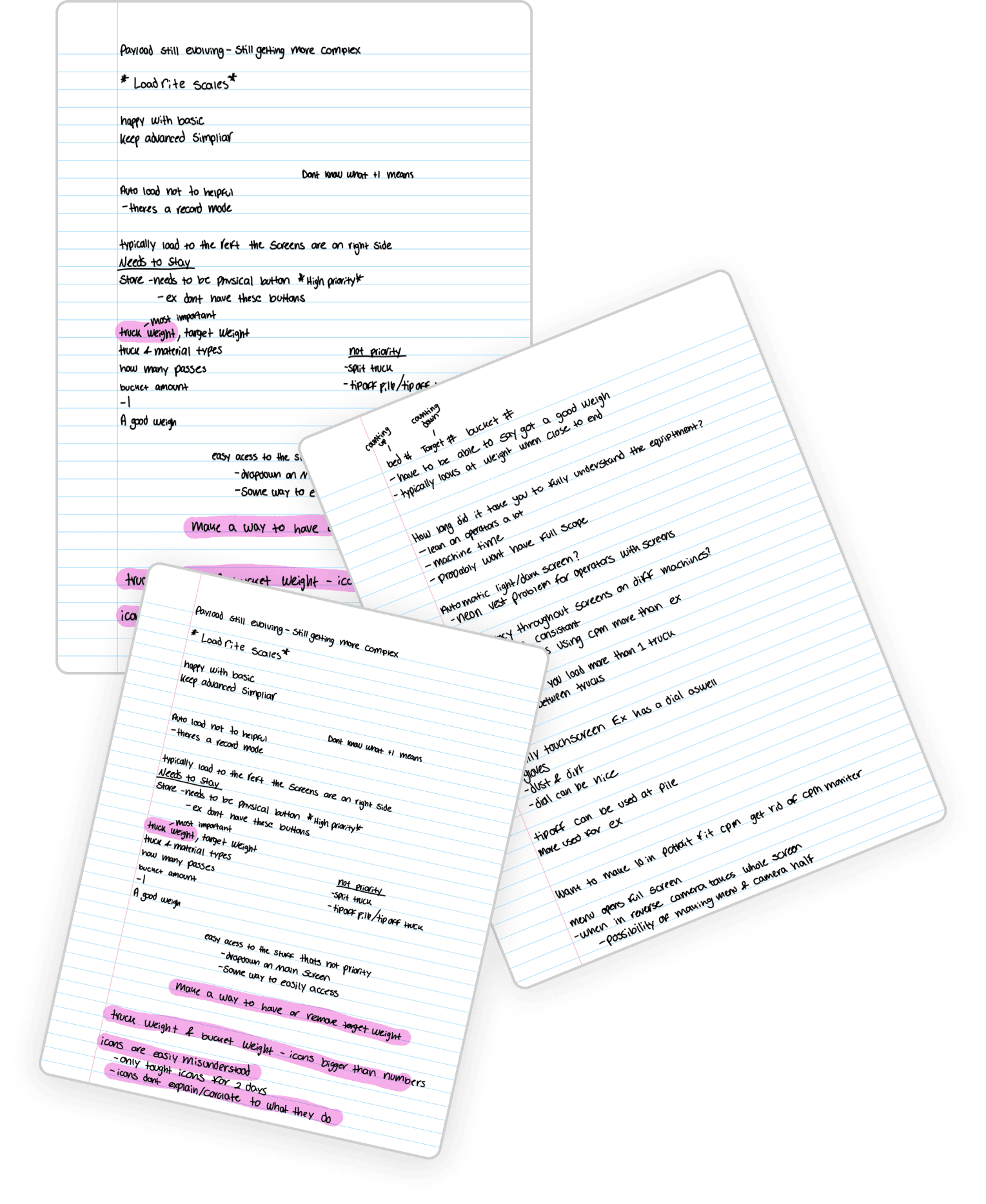
Through operator interviews, workflow analysis, and existing CPM system reviews, we identified several recurring usability issues that slowed loading efficiency and increased cognitive strain during active operation.
Operators need glanceable payload confirmation. Critical status must be understood in seconds without mental math.
Too much information creates cognitive overload Important payload data competes with secondary controls and settings.
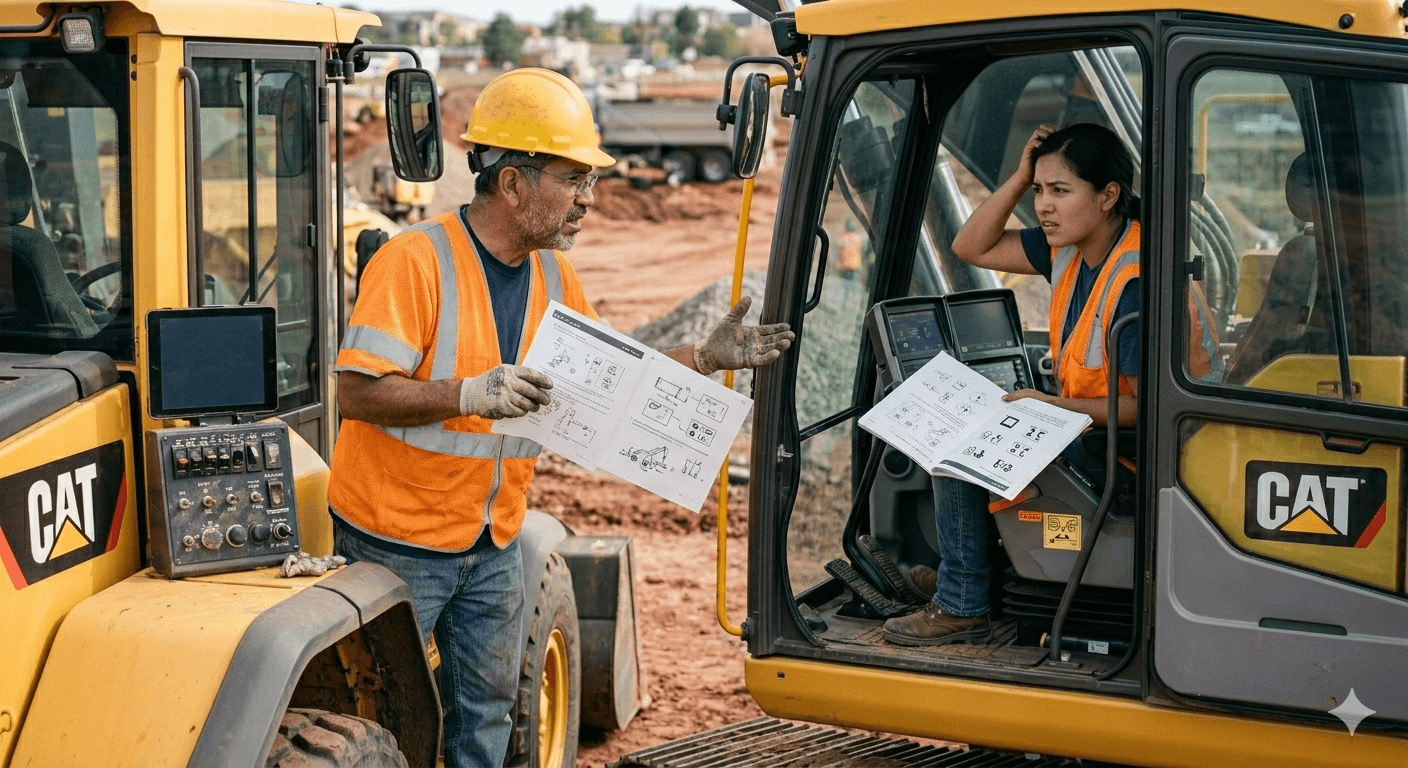
Inconsistent interfaces increase learning friction. Different machine layouts force operators to relearn workflows.
Define
Persona
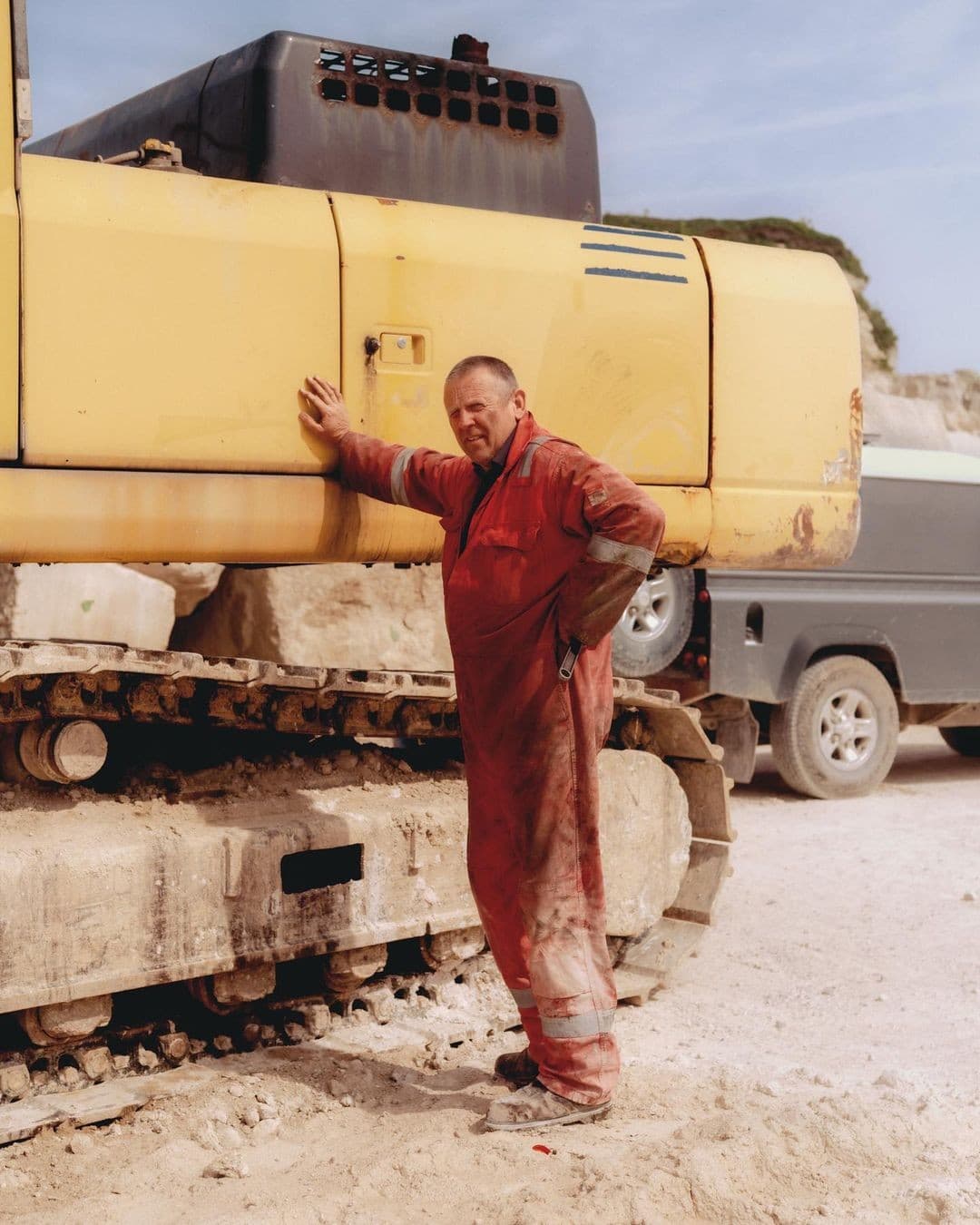
Senior Wheel Loader Operator
Marcus Reed (48) He/Him/His
Illinois
“I need to know my payload status instantly without stopping to think or dig through menus.”
Bio
Marcus is a veteran wheel loader operator with over 20 years of experience in quarry and construction environments. He works long shifts moving material quickly and relies heavily on muscle memory, rapid scanning, and consistent machine workflows.
Frustration
Marcus gets frustrated when payload information is buried, inconsistent between machines, or requires too much focused attention during active loading.
Goal
Marcus wants to load trucks accurately and efficiently while confirming payload status in seconds without distraction or mental math.
define a problem
Problem Statement
Operatorsneedtoconfirmloadingstatusinstantlyandactwithconfidence—butthecurrentinterfaceasksthemtointerpret,calculate,andnavigateattheexactmomentstheycanleastaffordtolookaway.Asthedisplayshrinks,thatproblemcompounds
possible solution
Goal
Redesign the Caterpillar CPM interface to improve glanceability, reduce cognitive overload, and create more consistent workflows across machines.
design
Design System
Icons


Typography
Title (Inter Bold)
A B C D E F G H I J K L M N
O P Q R S T U V W X Y Z
a b c d e f g h i j k l m n o p q r s t u v w x y z
Title (Inter light)
A B C D E F G H I J K L M N
O P Q R S T U V W X Y Z
a b c d e f g h i j k l m n o p q r s t u v w x y z
Buttons




Colors
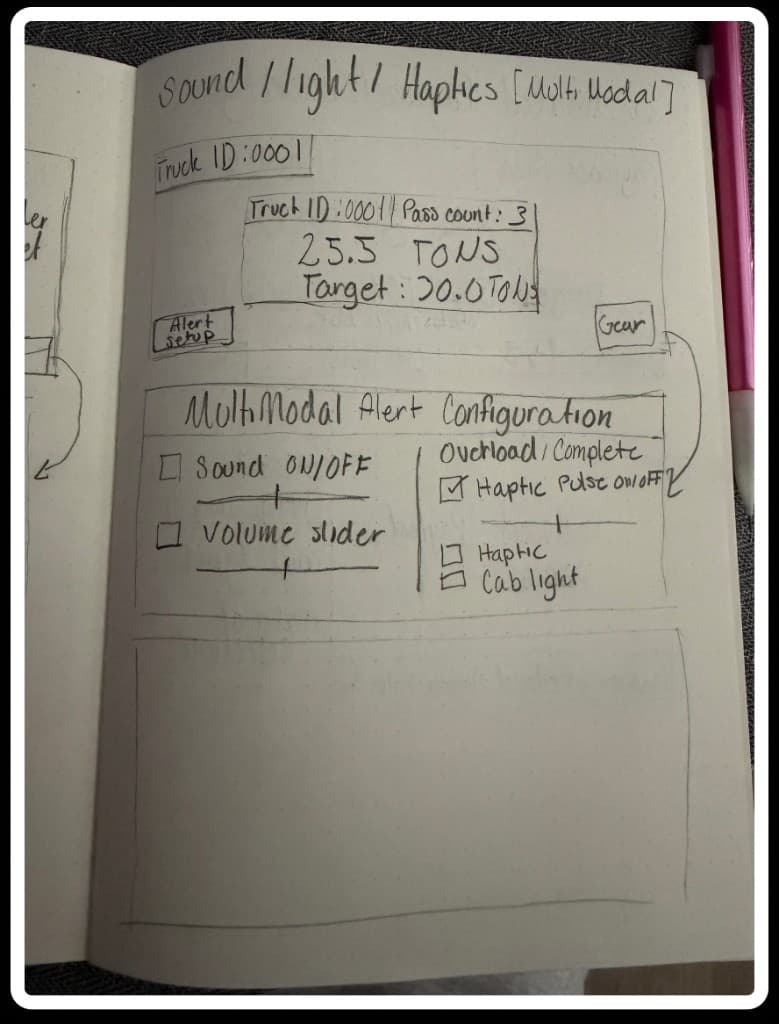
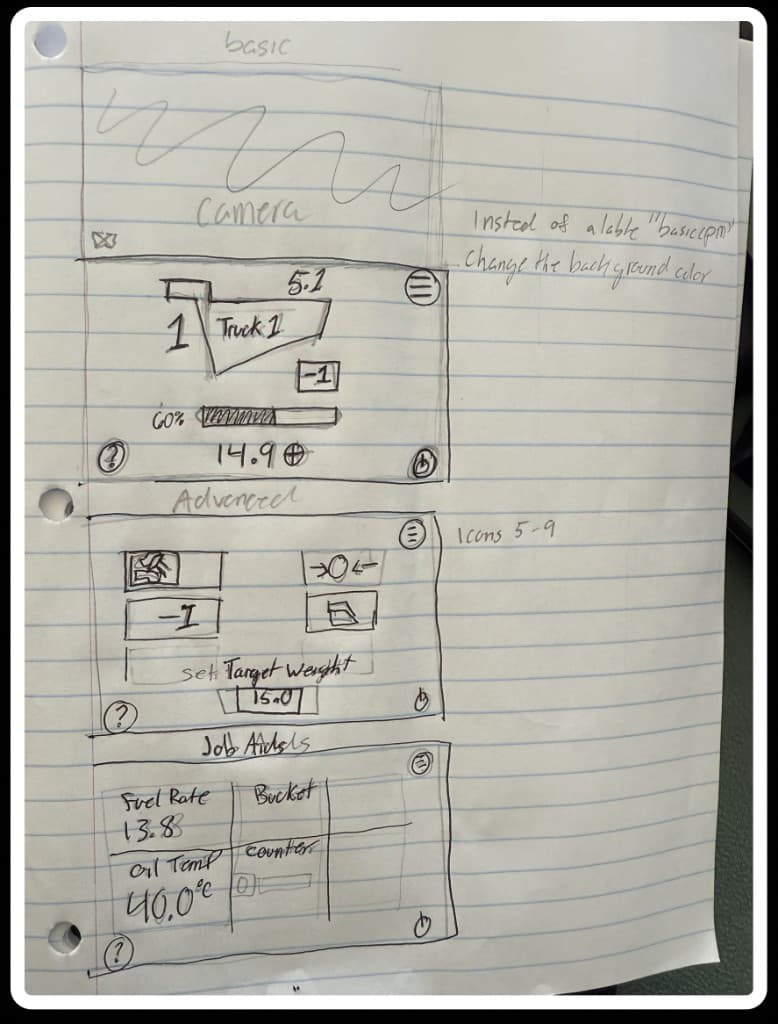
Flows and Wireframes
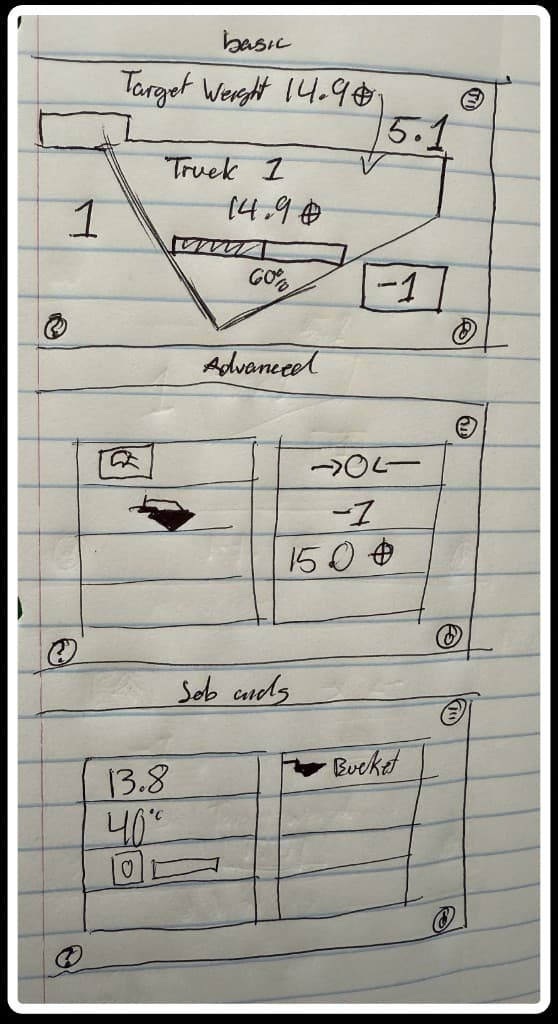
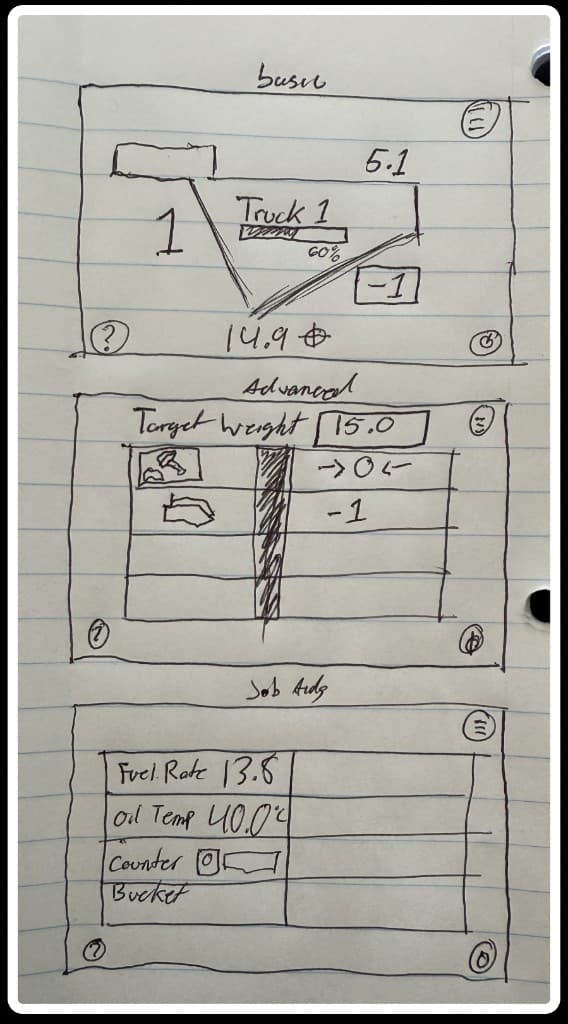
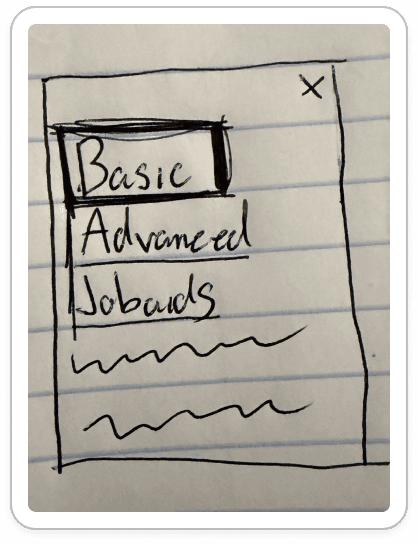
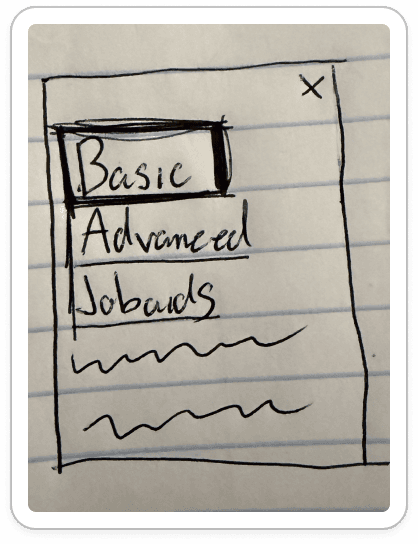
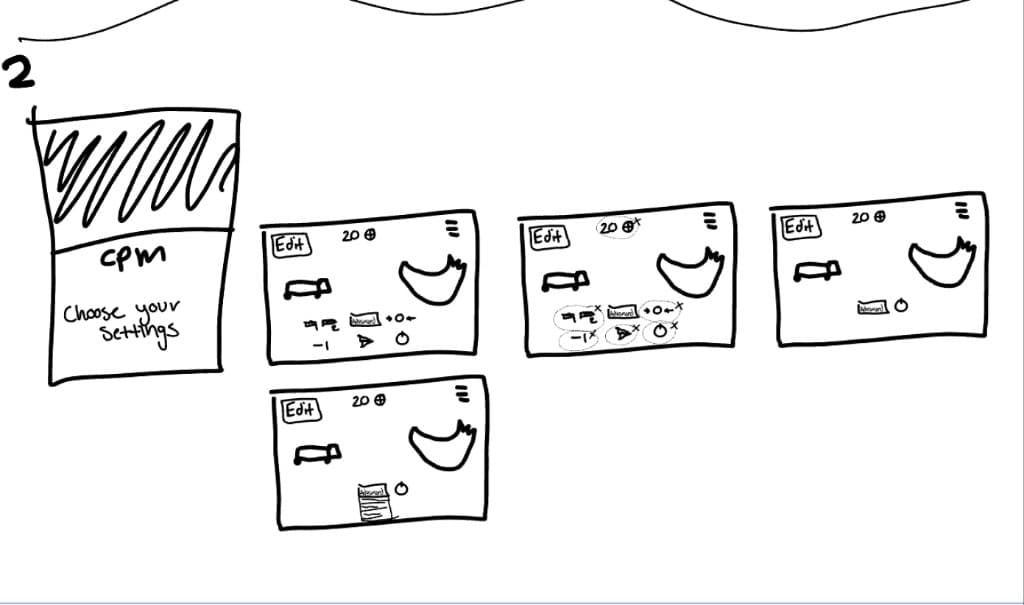
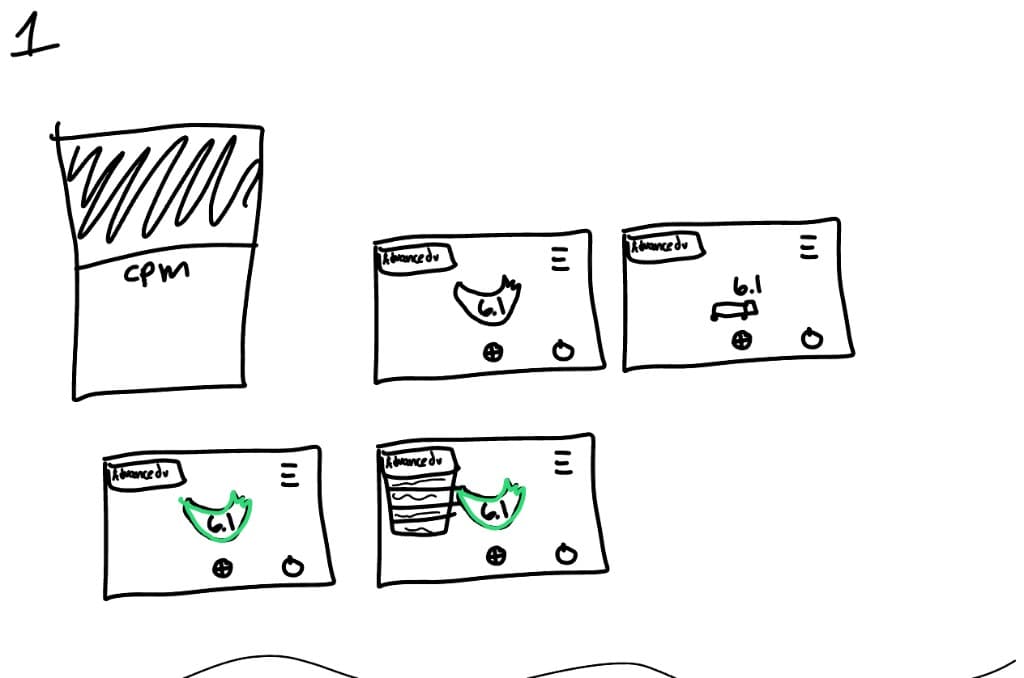
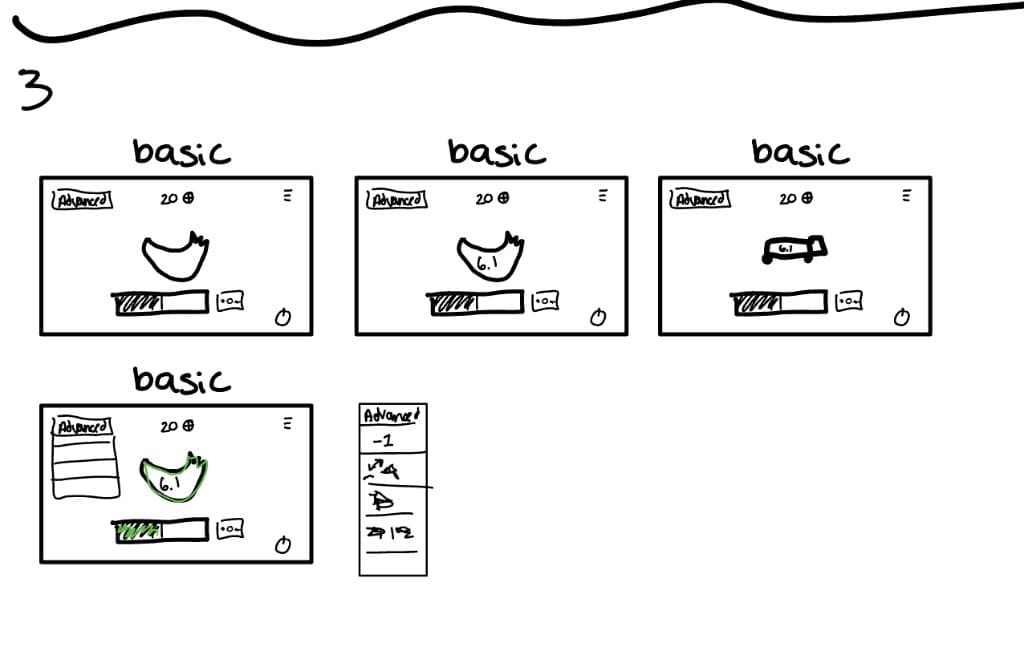
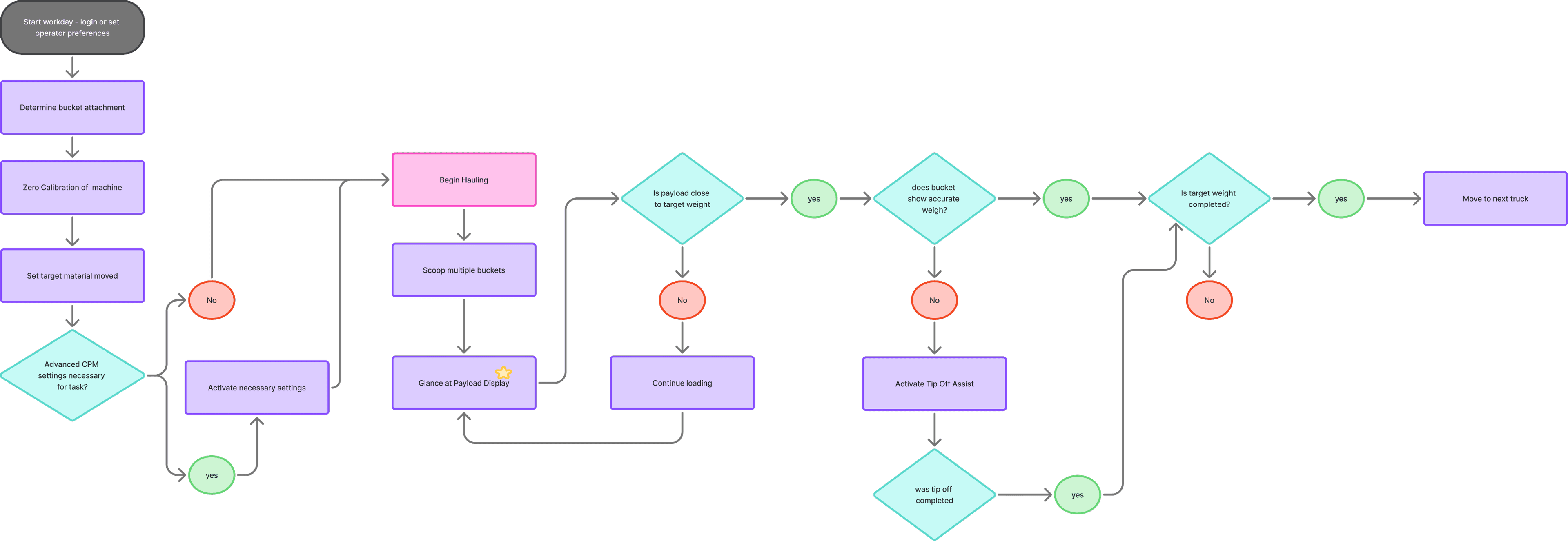
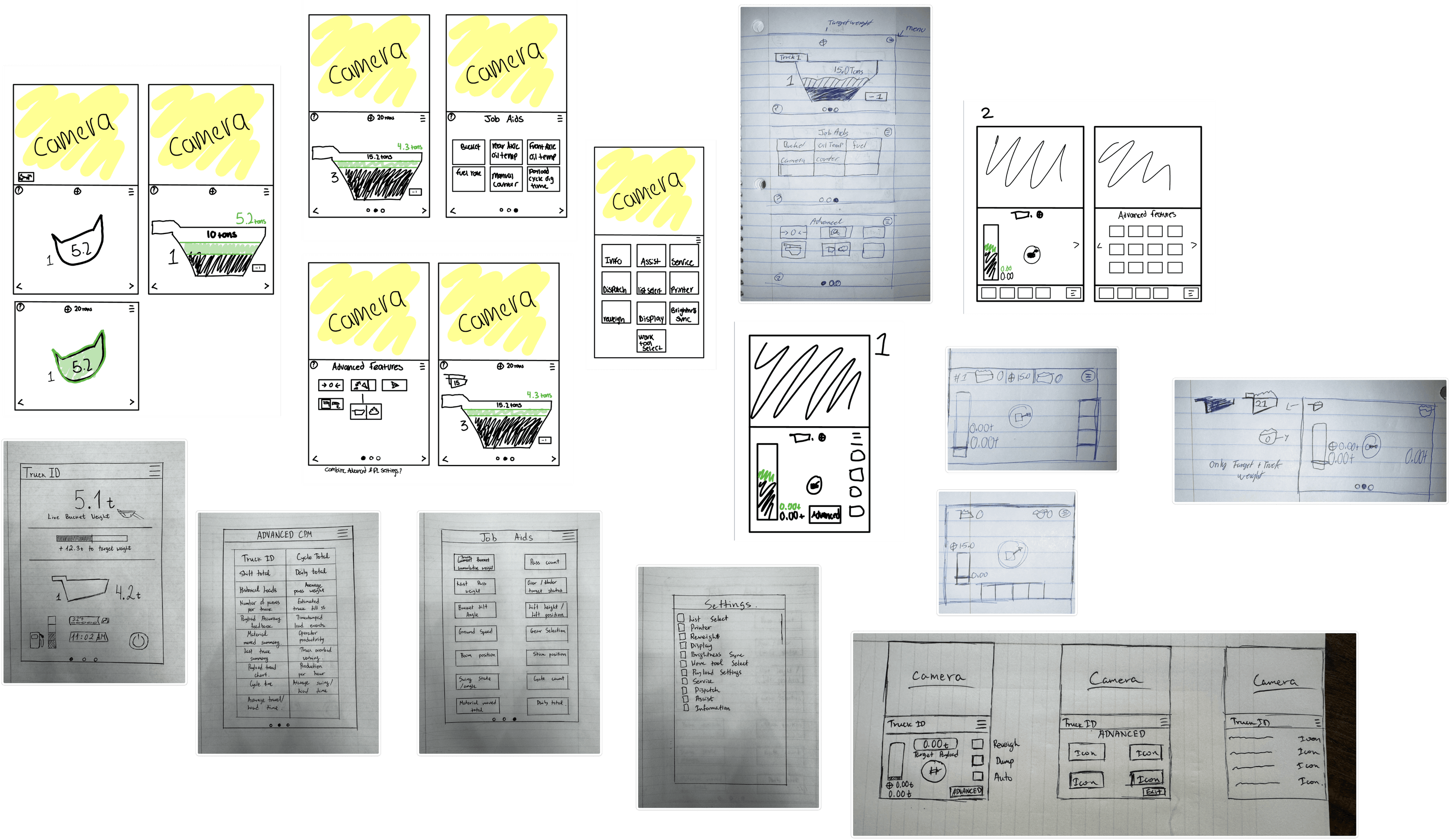
We acted out and recreated various user scenarios to explore all possible flows before finalizing them. These flows were then turned into low-fidelity prototypes for the first round of testing.
02
Testing
Wheel Loader
Excavator
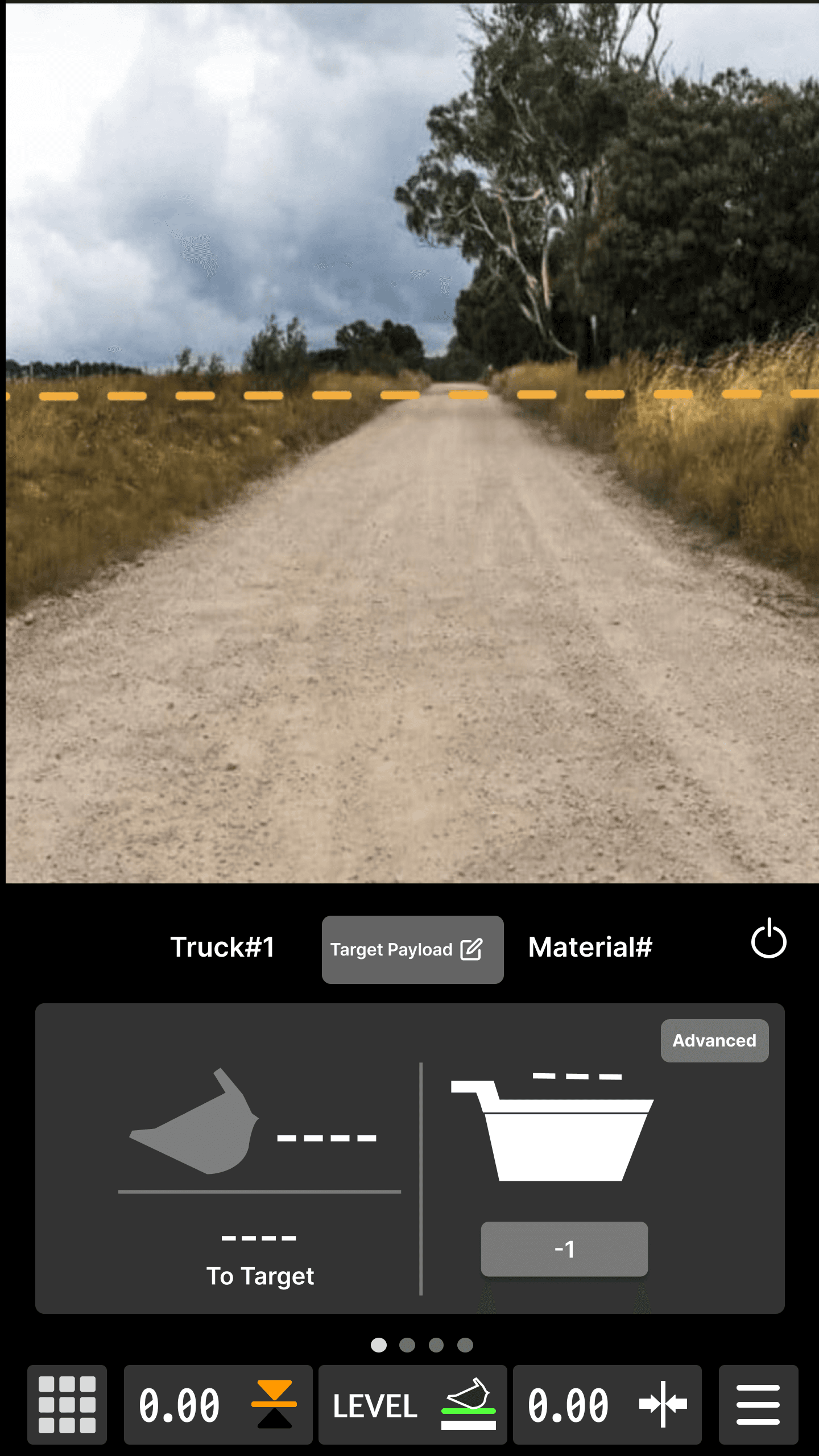
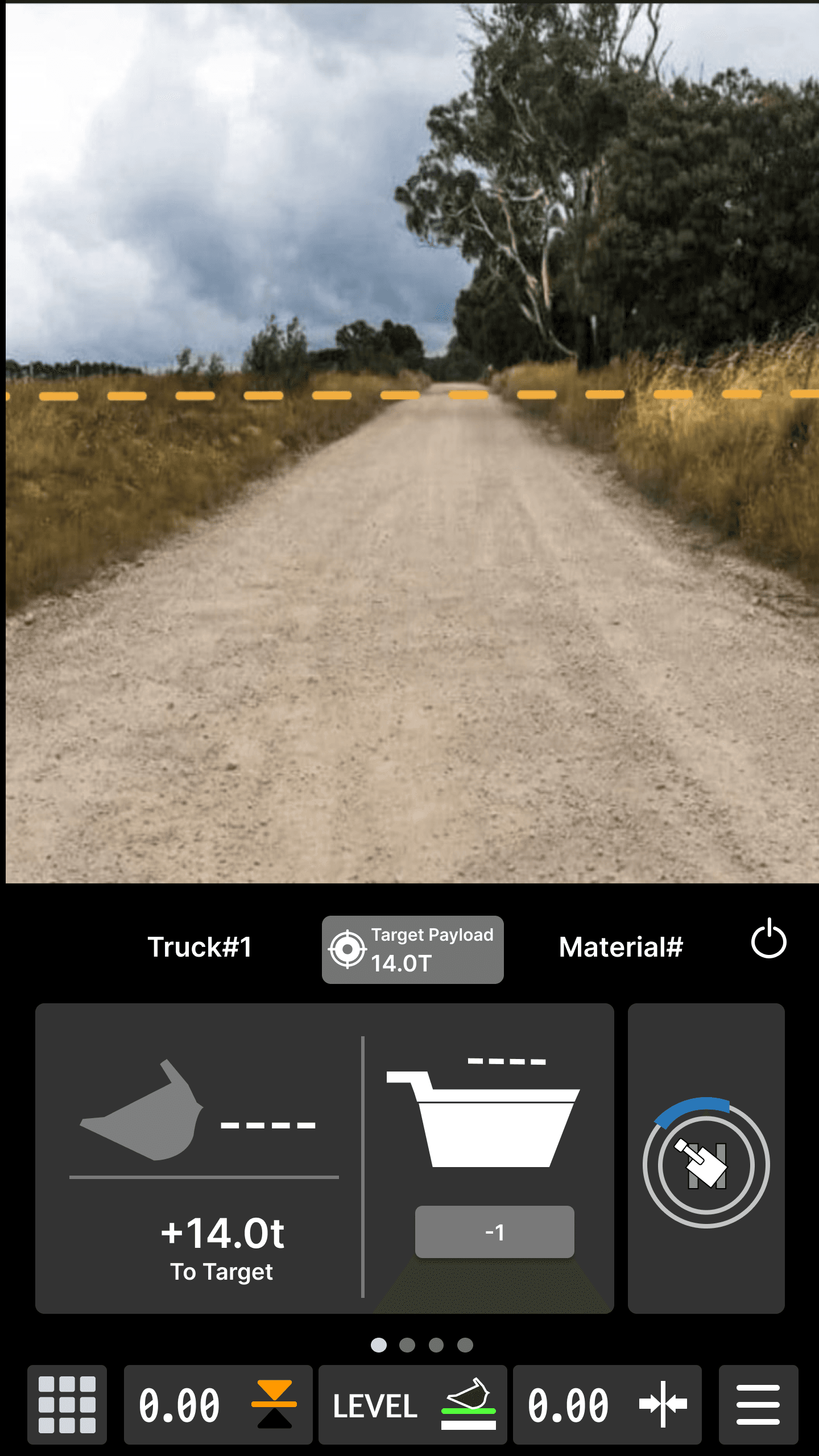
Designing for two machines, that both incorporate the CPM system, introduced an interesting challenge. How do we design for consistency across machines when the machines have different, specific payload needs? The wheel loader has more need for the quick changing settings between trucks, whereas the excavator has a need to view the swing position.
Testing
Iterations after testing
Wheel loader
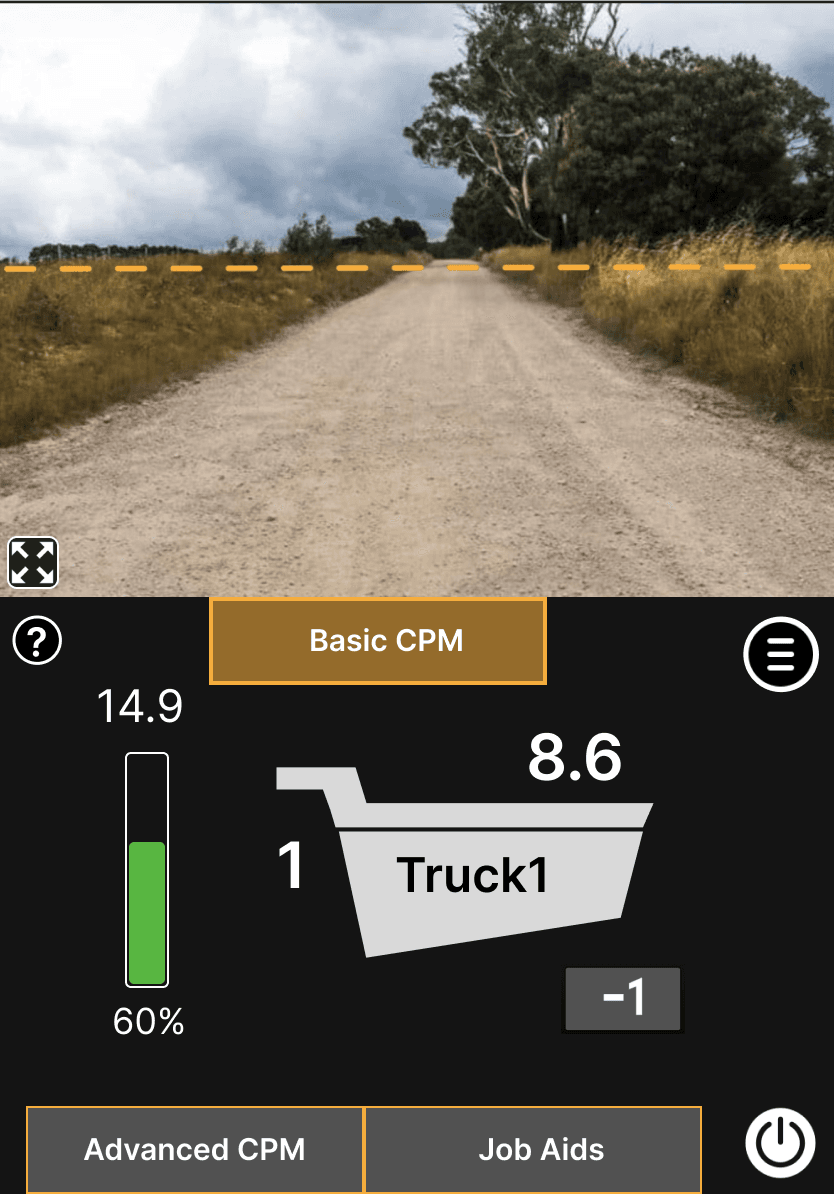
Before
The initial iteration used progressive disclosure as the main direction. We played with the idea that operators might want to see only one piece of information at a time. This idea would make the bucket and the bed weight information switch with the status of the machine.
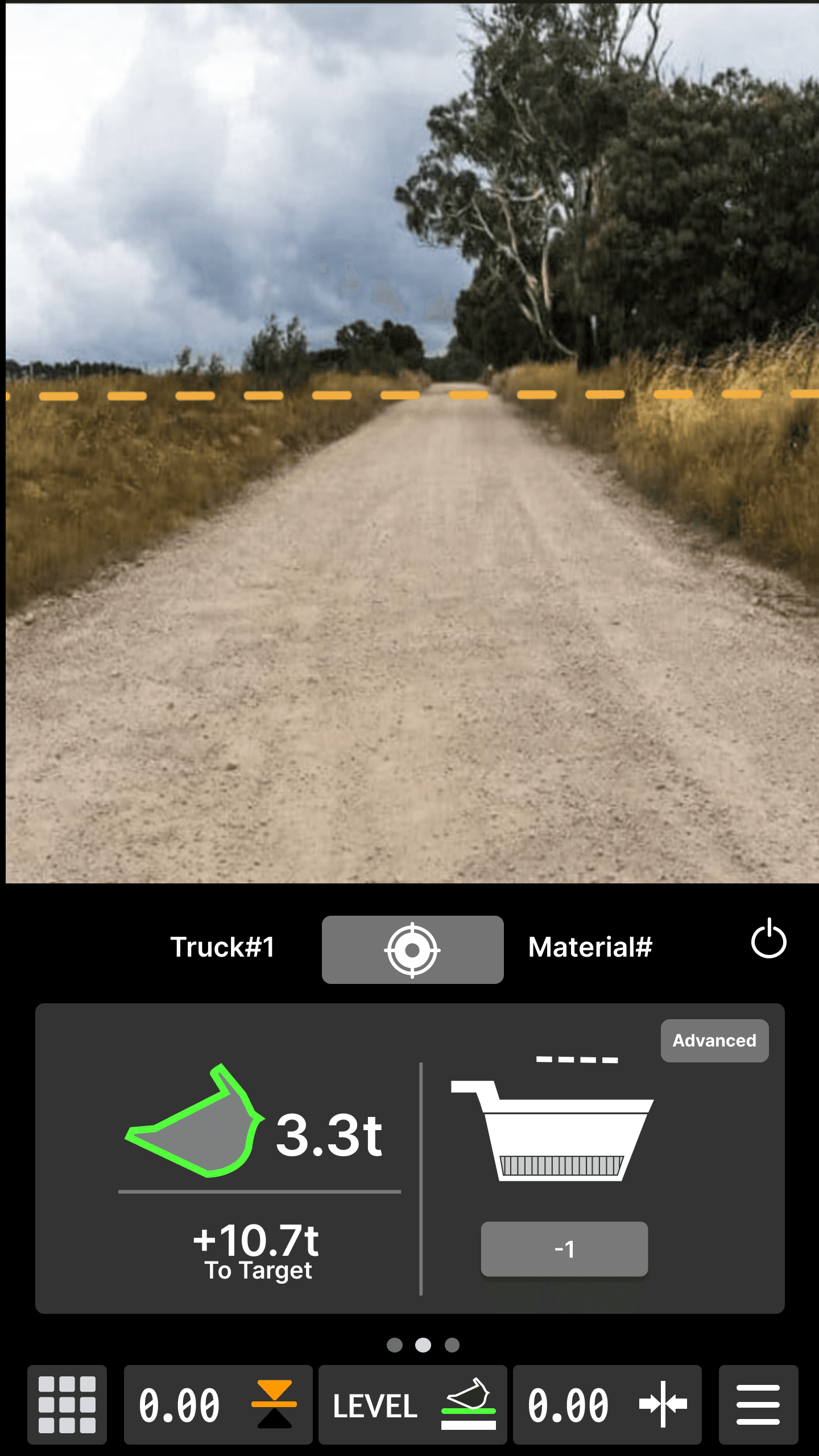
After
After testing and iterating, we decided that the interface switching mid-task would be distracting and jarring for operators, and they would most likely prefer all basic important information at the same time with minimal interface movement. The direction for reducing cognitive load was still up for ideation as we decided more information was necessary on the basic default interface.
Excavator
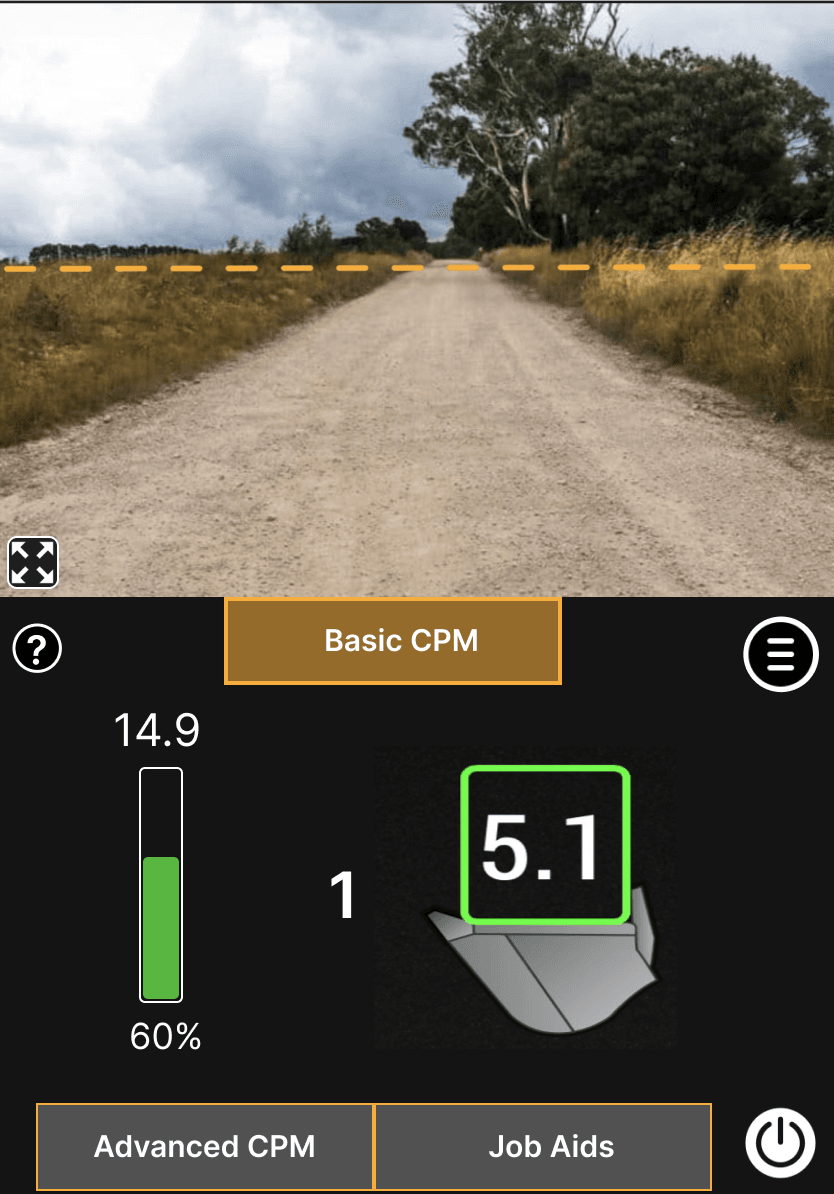
Before
The initial direction for the CPM was the same for both wheel loader and excavator, we were working to figure out the interactions and concept before the polished design. We started with the excessive progressive disclosure, but moved toward making sure all the elements on the screen serve a function, as shown by the progress tracker in the bed icon, instead of a stagnant, nonfunctional image that takes up space.
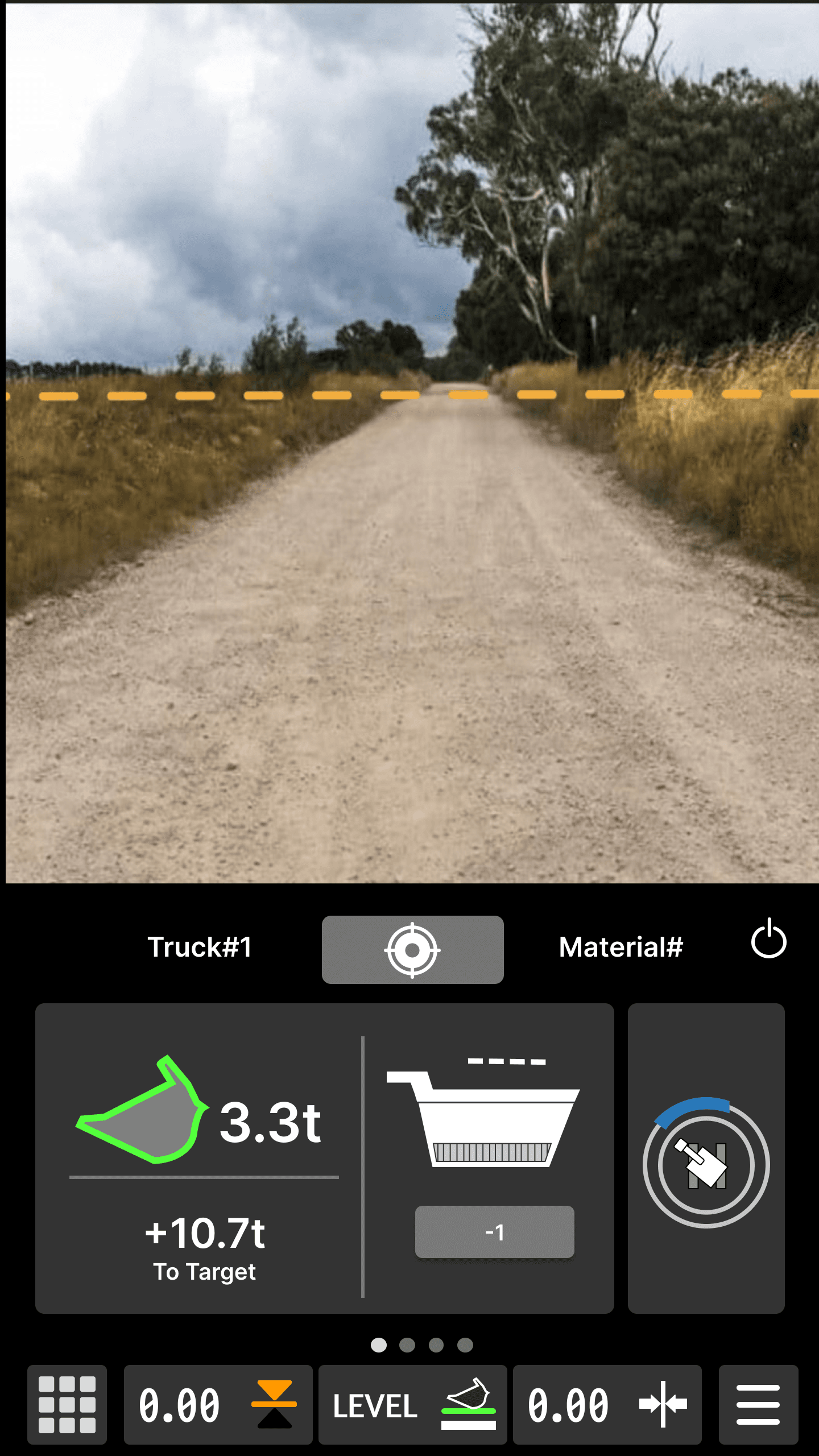
After
Our iterations, led us to find a solution for keeping the payload information consistent but also include a machine specific space for icons and other data. The tile on the left can be kept to scale for any machine that needs to display payload information
Testing
Final Screens
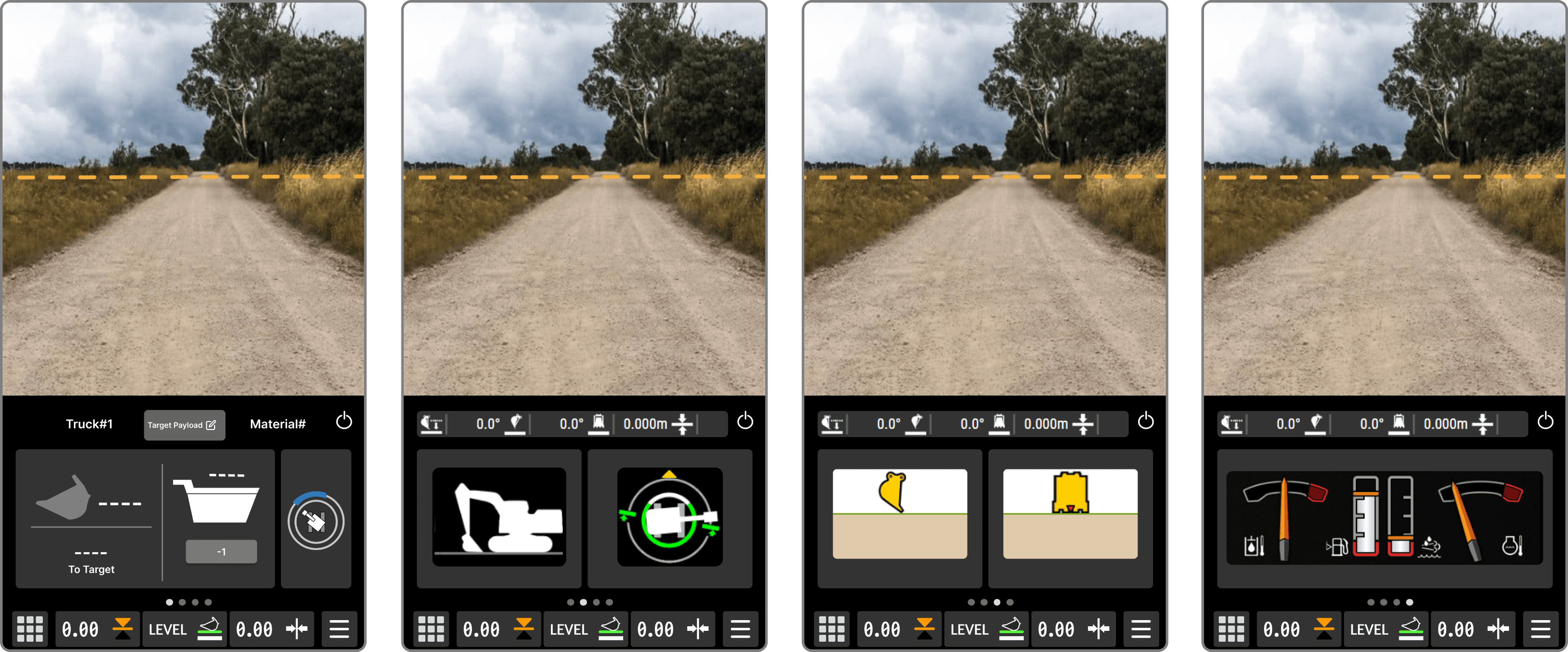
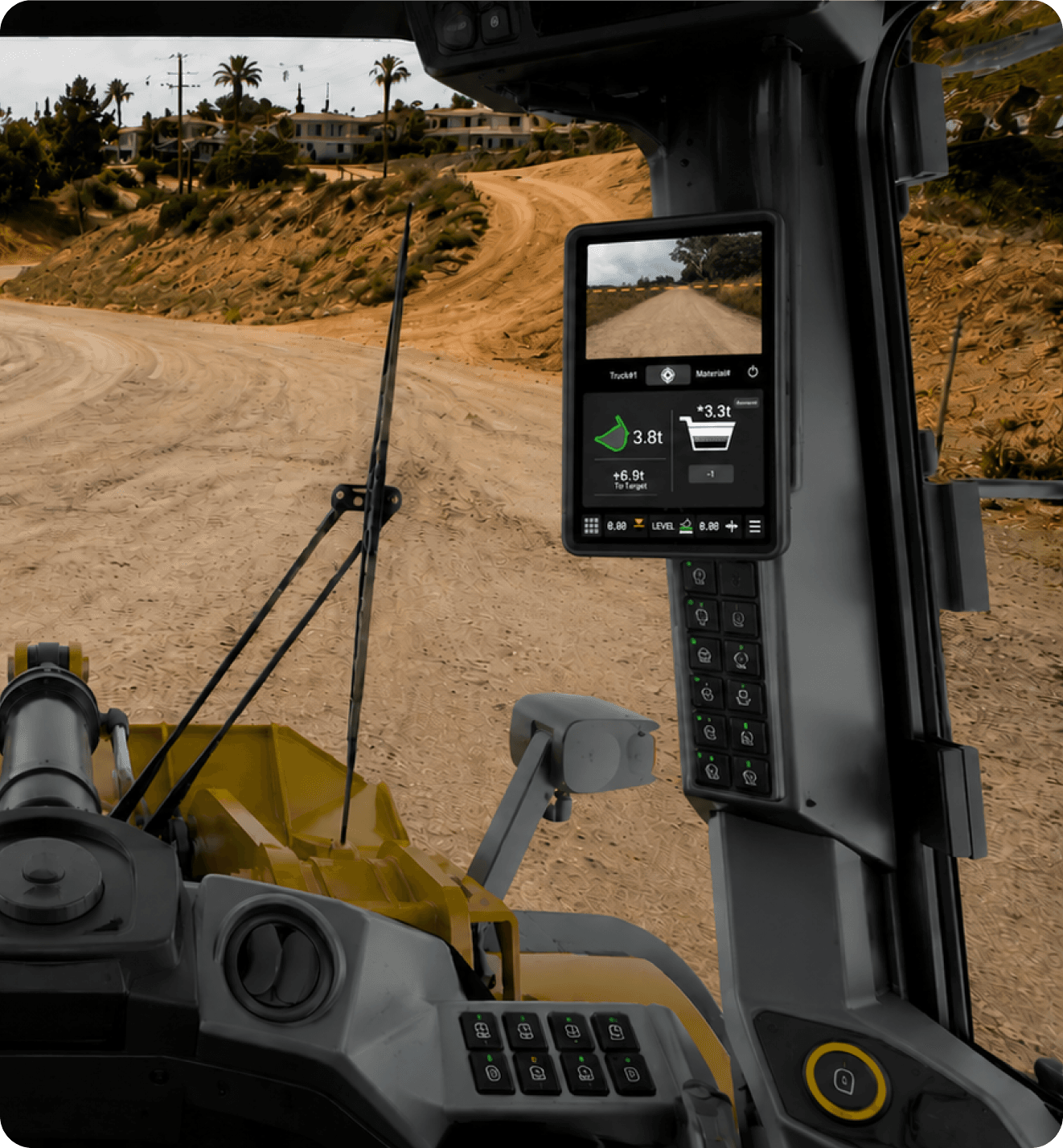
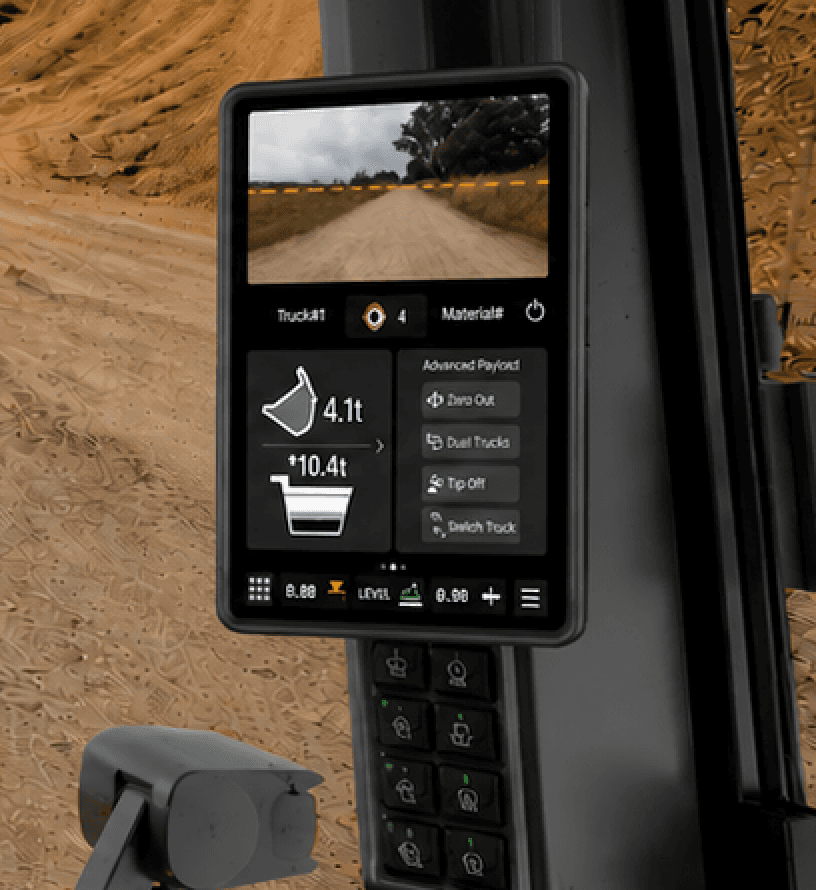
testing
Integrated features
The final concepts focused on improving glanceability, reducing interface friction, and creating more consistent workflows across Caterpillar machines.
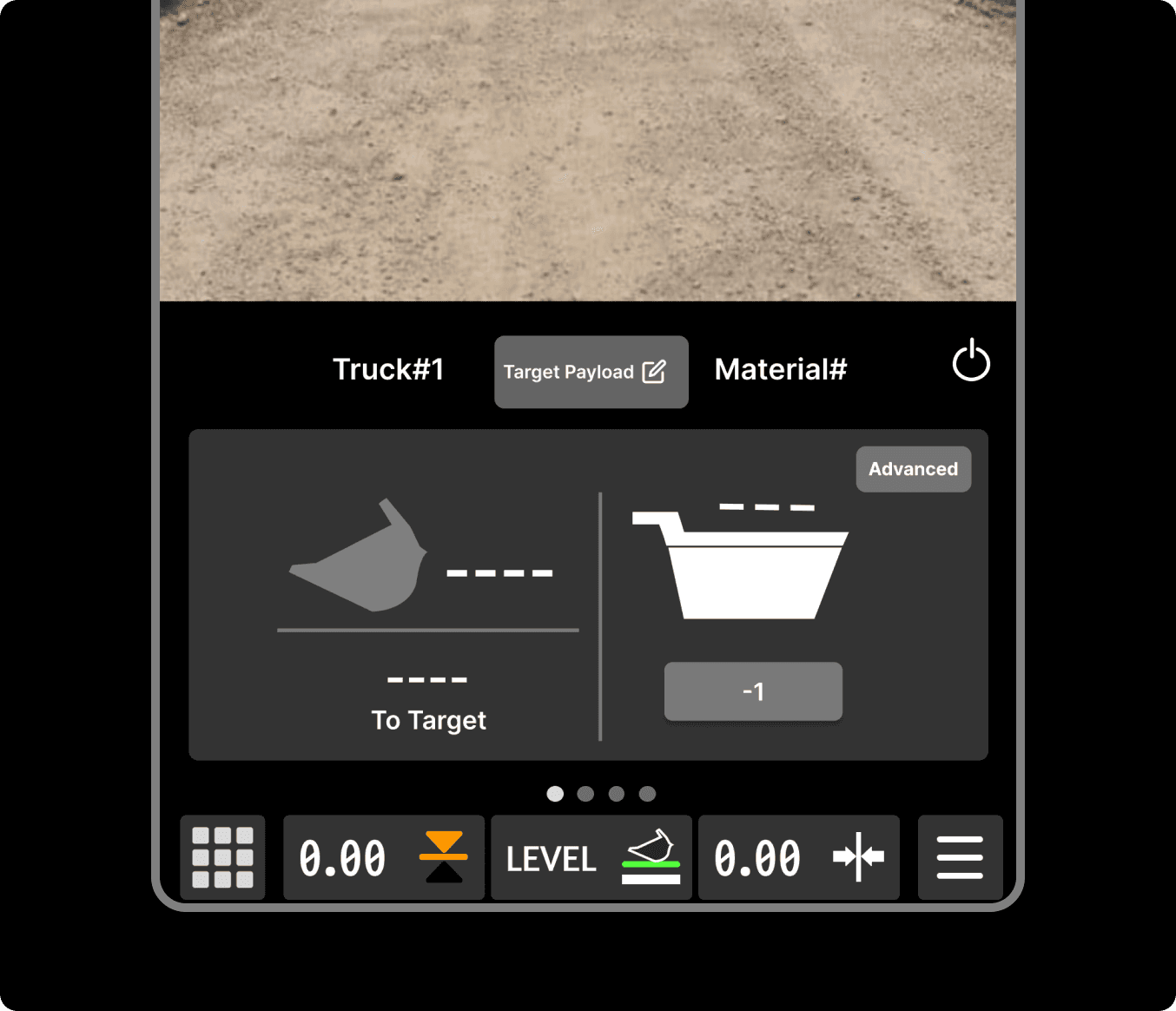
Progressive disclosure
Advanced CPM tools and secondary controls are hidden until needed, reducing cognitive overload during active loading.
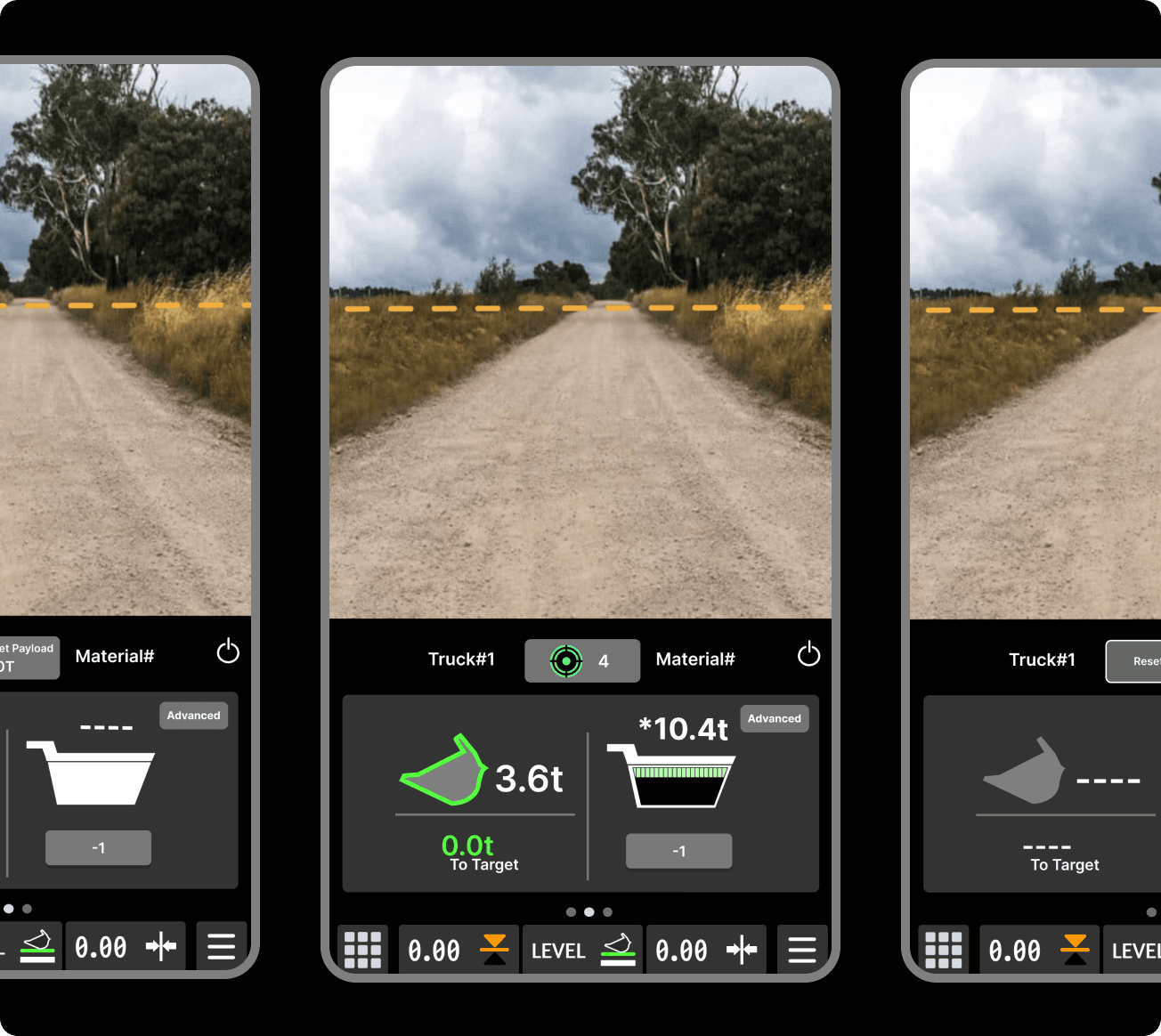
Glanceable Information
Critical payload information is prioritized front and center so operators can confirm status within seconds with out mental math
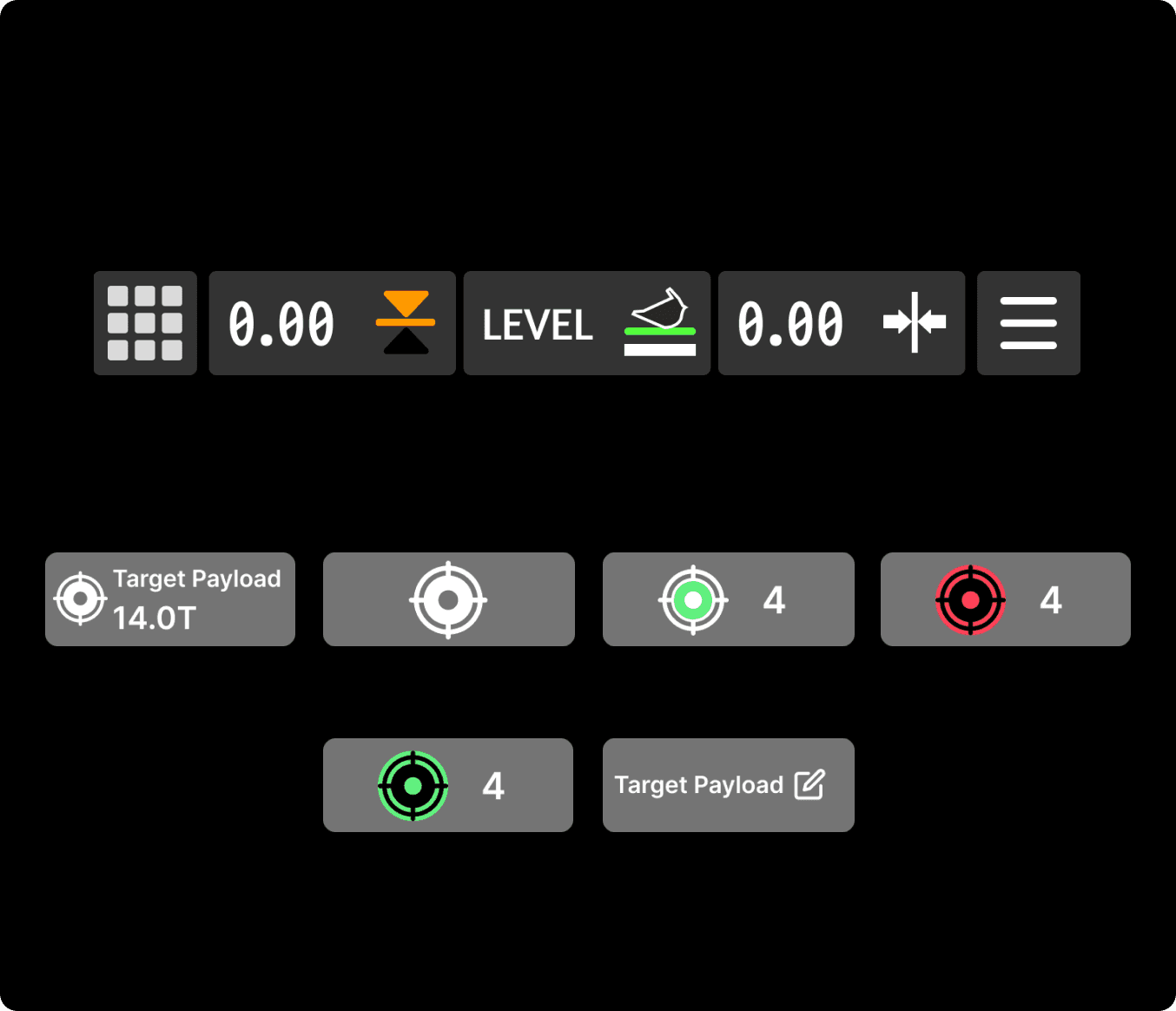
Cross Machine consistency
Layouts, controls, and iconography were standardized across wheel loaders and excavators to reduce relearning friction
03
Reflection
REFLECTION
Designing For Industrial UX
This project taught us that effective industrial interfaces are not about showing more information, but presenting the right information at the right moment.
Designed for real-world industrial workflows instead of traditional consumer UX.
Learned how glanceability and consistency impact operator performance.
Prioritized clarity and workflow efficiency over feature density.