
Sneaker Access
Sneaker Access was a paid auto-checkout service for limited sneaker releases. Members bought a slot for a drop and saved their shipping and payment details. On release day, our system placed the order for them the moment it went live.
I joined in the middle of a redesign. When our lead designer handed it off to me, the whole site became mine: home, shop, sign-up, account and testimonials, on desktop and mobile, plus a new logo. Our engineer built it as I designed it.
Problem
First-time visitors thought we were a store. I did too, when I first found Sneaker Access in 2016. Returning members knew we checked out for them, but nothing told a newcomer they were buying a slot, not a pair. People said so on Twitter, and those complaints were the only research we had.
What happened
The redesign went live. I was let go in January 2020 and the company shut down that February, so I never saw how it performed. Every screen here comes from my original Sketch files.
Role
Product designer
Desktop, mobile, and brand
Timeline
Sep '19 - Jan '20
Team
- Connor O'Neil
- Andrew Evan
- Waseem
- Alex
What I designed
Price the service, not the shoe
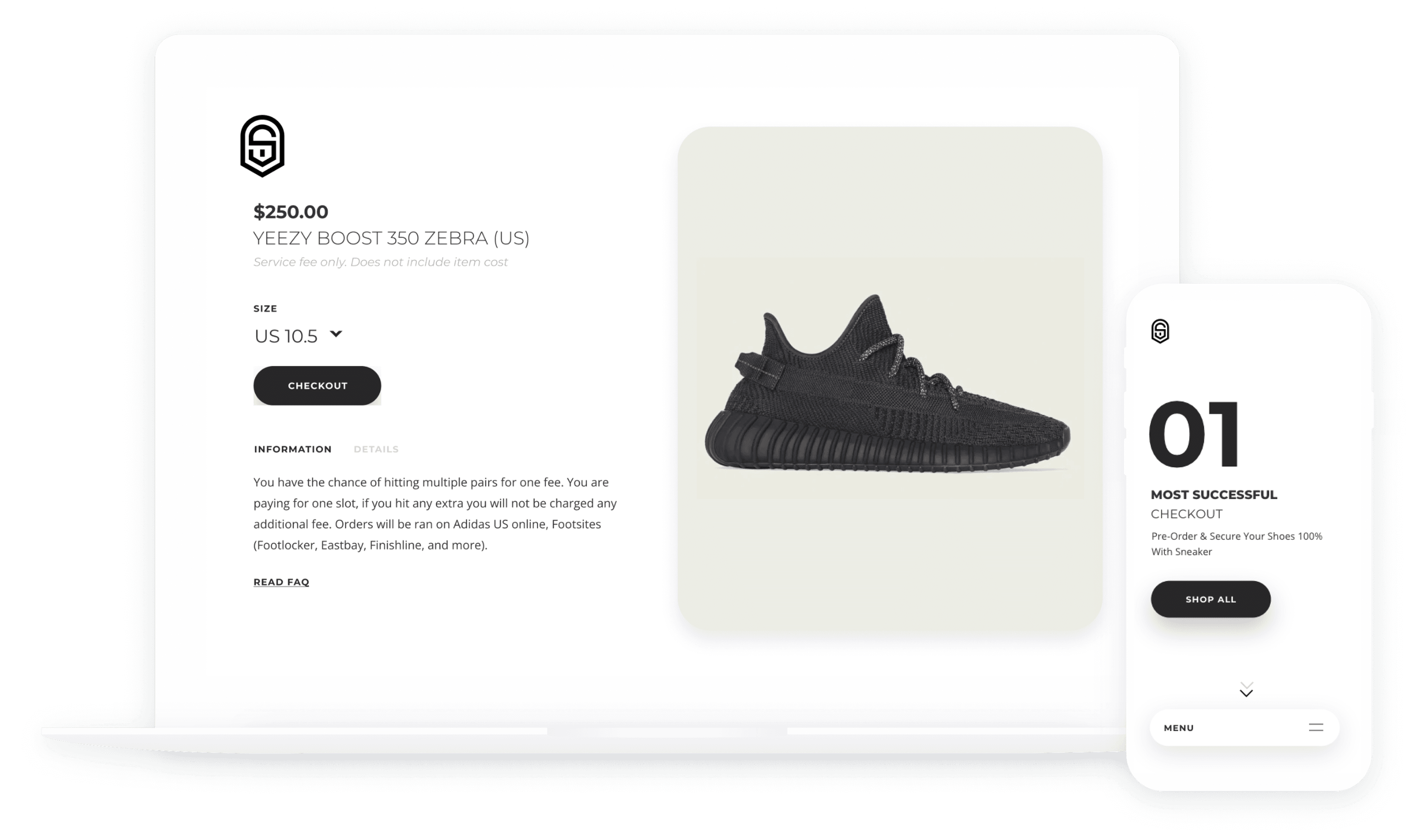
The product page led with our fee and said it right under the name: “Service fee only. Does not include item cost.” The description spelled out what one slot covered and which stores we'd check out on.
Explain it before the payment
How It Works walked through the two forms in order: shipping details for release day, then our fee through Stripe as a temporary hold. The last section said it outright: “You only pay for success!” If an order failed, the charge dropped off on its own.
Show what gets submitted
Checkout collected the details our system would use on release day, so a card beside the form listed exactly what it would submit: size, name, address, card. Members with more than one profile could flip between them.
Show the result after the drop
Recent Orders listed each release with the size and the store it ran on, marked with a check or an X, so members could see whether they hit.
Testimonials
Members tweeted at us when a checkout came through, often with a screenshot of the order. We collected those on one page, so new visitors saw proof from other buyers instead of our own claims.
The whole site, twice
Every page existed on desktop and mobile: shop, checkout, How It Works, account, sign-up and testimonials, down to the refund policy. This is the mobile side.
Two fixes
from Twitter complaints
Both came from members complaining to us on Twitter. We had no analytics and ran no tests, so this was the research.
Before
The arrows next to “View all products” looked like pagination. People clicked them expecting the next page.
After
I dropped the arrows and the logo tiles. Brands became a row of filters above a grid of the actual shoes.
Before
The old home page was a nav bar and two small buttons. It never said what the service did, so new visitors assumed we were a store.
After
The new one says it in plain words, right under Getting Started: on release day, we check out for you.
Building a
brand identity
Alongside the site I put together a brand kit: logo, color, type and product imagery.
A new logo
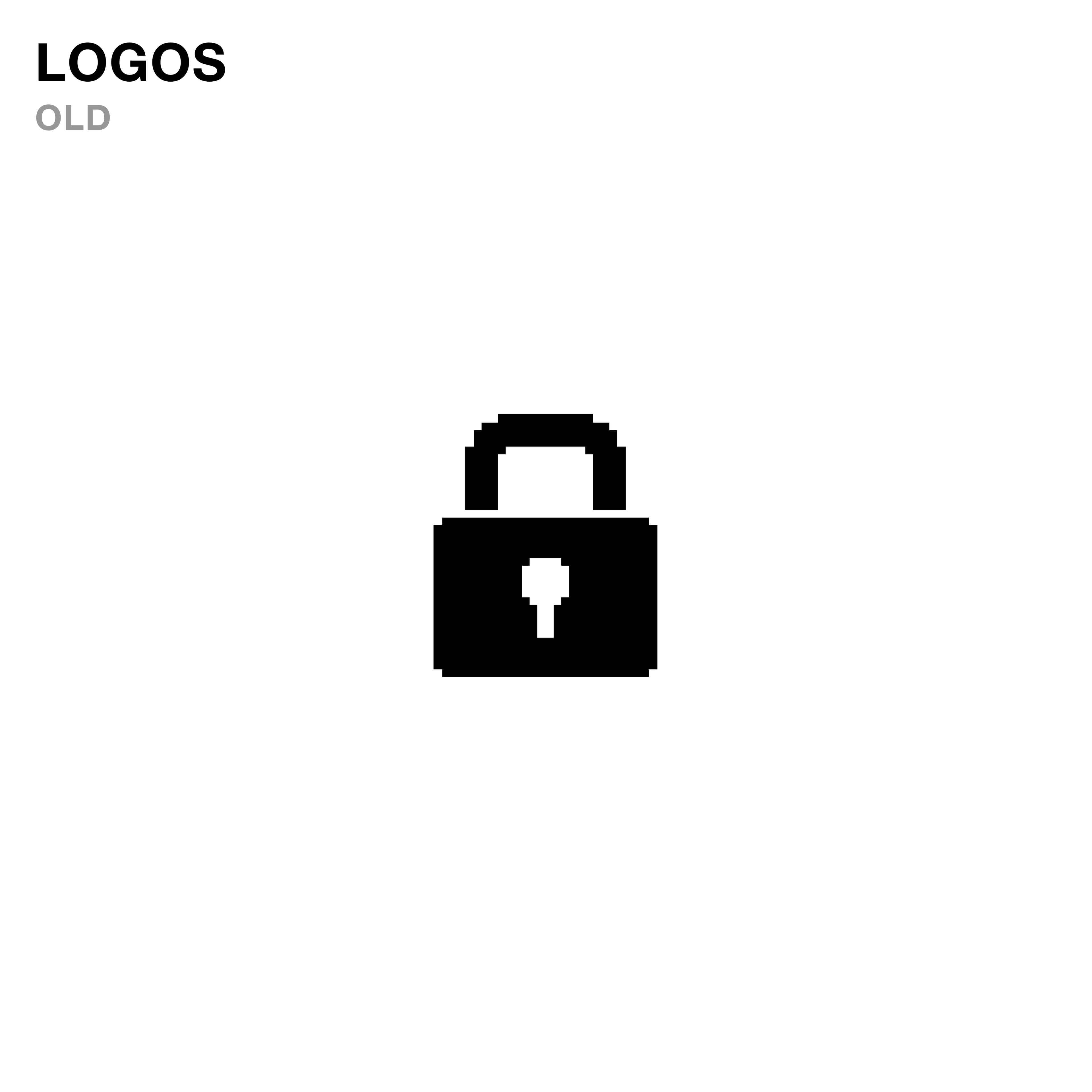
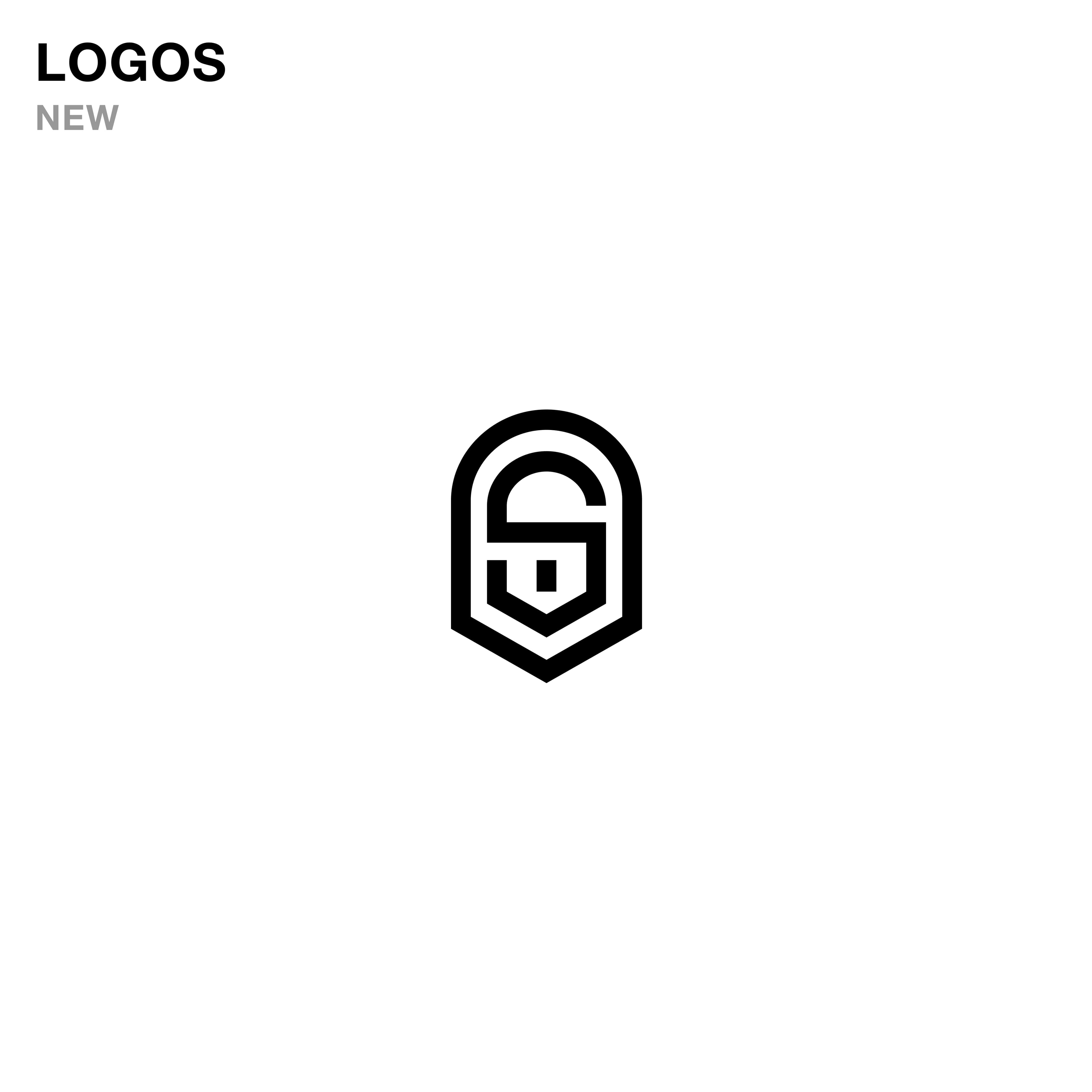
The first mark was a generic padlock. I replaced it with an S inside a shield: a mark we could own that still says protected.
Looking back
I was self-taught then and learning on the job. Twitter complaints were my only research. They found the biggest problem, but only after people were already confused. Today I'd talk to members before the redesign and ship with analytics, so I'd know whether a fix worked. I'd also mask the card in that checkout summary. Showing a full card number and CVV back to someone isn't something I'd design now.